9.4 Display Hold Configuration
23
Display Hold is used to lock a weight reading on the screen, even after the weighed object has been removed from the
pan.
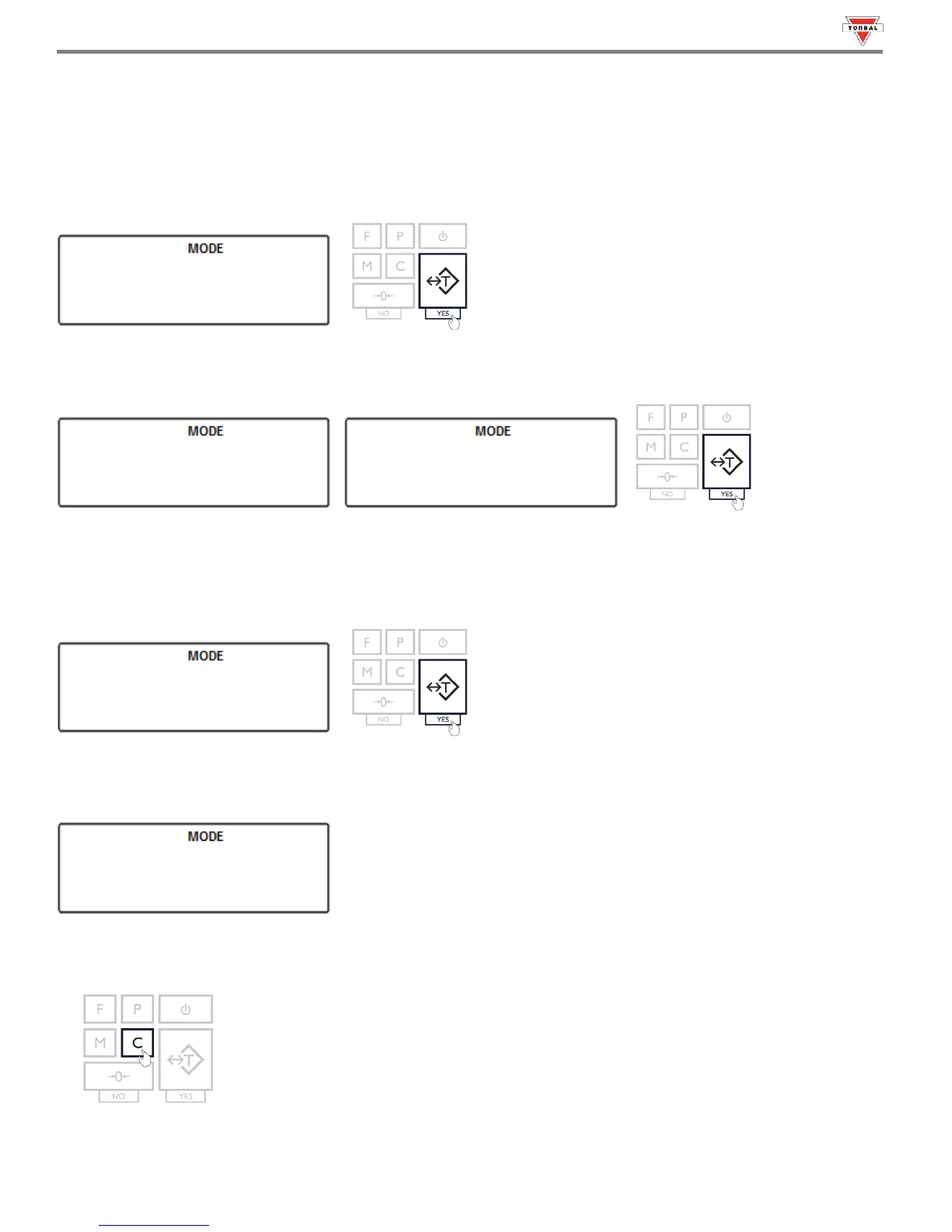
1. To enable Display Hold, select “” in the Mode Menu by pressing “T” (YES) key.
2. Commands “” and “” will be displayed sequentially. To enable Display Hold, select “” with the
“T” key. To disable Display Hold, select “” with the “T” key.
3. Display Hold can operate in three different modes: Automatic (), Semi-automatic () and Manual
() (see Table 9.4). The three operating modes will display sequentially. When the desired mode is
displayed, press the “T” key to make the selection.
Example (Selecting Automatic):
4. After selecting the operating mode, “
”
will be displayed, indicating that the function has been configured and
it is ready to use.
5. To use the function follow the directions in Chapter 19. To exit the mode menu use the “C” key.
24



 To Next Page