9.1 Animal Weighing Configuration
Animal weighing is used to weigh live animals and other dynamic loads. A choice of 3 different operating modes and 4
different weight integration periods ensures the user the best results in the least amount of time per measurement.
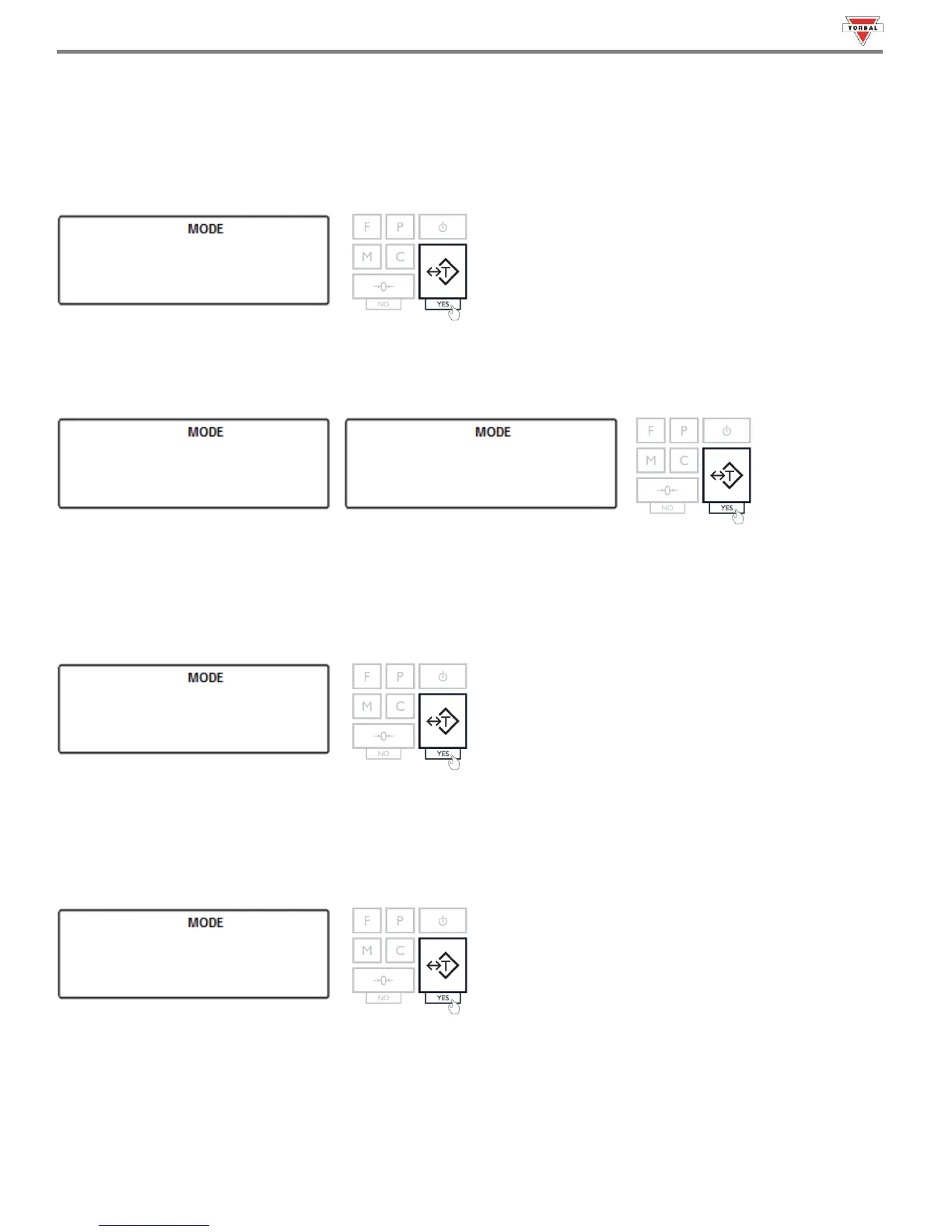
1. To enable Animal Weighing, select “” in the Mode Menu by pressing “T” (YES) key.
2. Commands “” and “” will be displayed sequentially. To enable Animal Weighing, select “” with
the “T” key. To disable Animal Weighing, select “” with the “T” key.
3. Animal weighing can operate in three different modes: Automatic (), Semi-automatic () and Manual
() (see Table 9.1). The three operating modes will display sequentially. When the desired mode is
displayed, press the “T” key to make the selection.
Example (Selecting Automatic):
20
4. Once the desired operating mode for animal weighing has been selected, the scale will display time intervals for the
animal weighing process, sequentially. The intervals are: 3 seconds (), 5 seconds (), 10 seconds (), and
15 seconds (). Select a time interval by pressing the “T” (Yes) key.
Example (Selecting 10 seconds):
Note: Select longer time intervals when weighing very active animals. Longer time intervals will allow the scale to take
more readings while the animal is moving on the pan and provide an accurate result.



 To Next Page