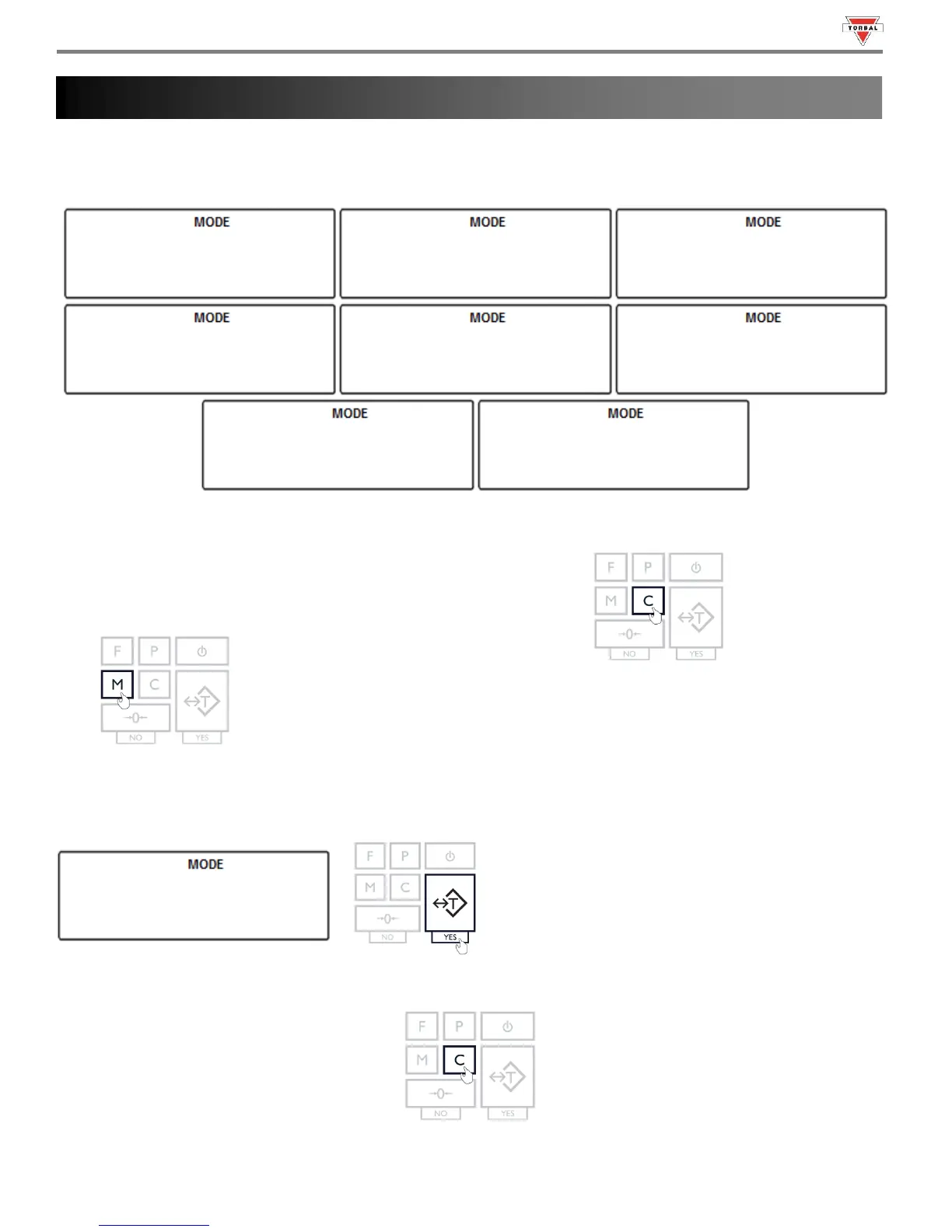
The Main Menu is used to configure the scale and its weighing modes. There are nine options within the Main Menu:
Calibration (
), Unit (
), Mode (
), AZSM (), GLP (), Ports (
), Time/Date () and Reset
(
).
Note: Before entering the menu, complete and clear any active function by pressing the “C” key.
1. To enter the Main Menu, press the “M” key.
2. The scale will display available menu options sequentially. When the desired option is displayed, press the “T” (Yes)
key to make the selection.
Example (Selecting Calibration):
Note: Scrolling through the options may be accelerated by manually pressing the “0” (NO) key.
3. To exit the Main Menu, Press the “C” key.



 To Next Page