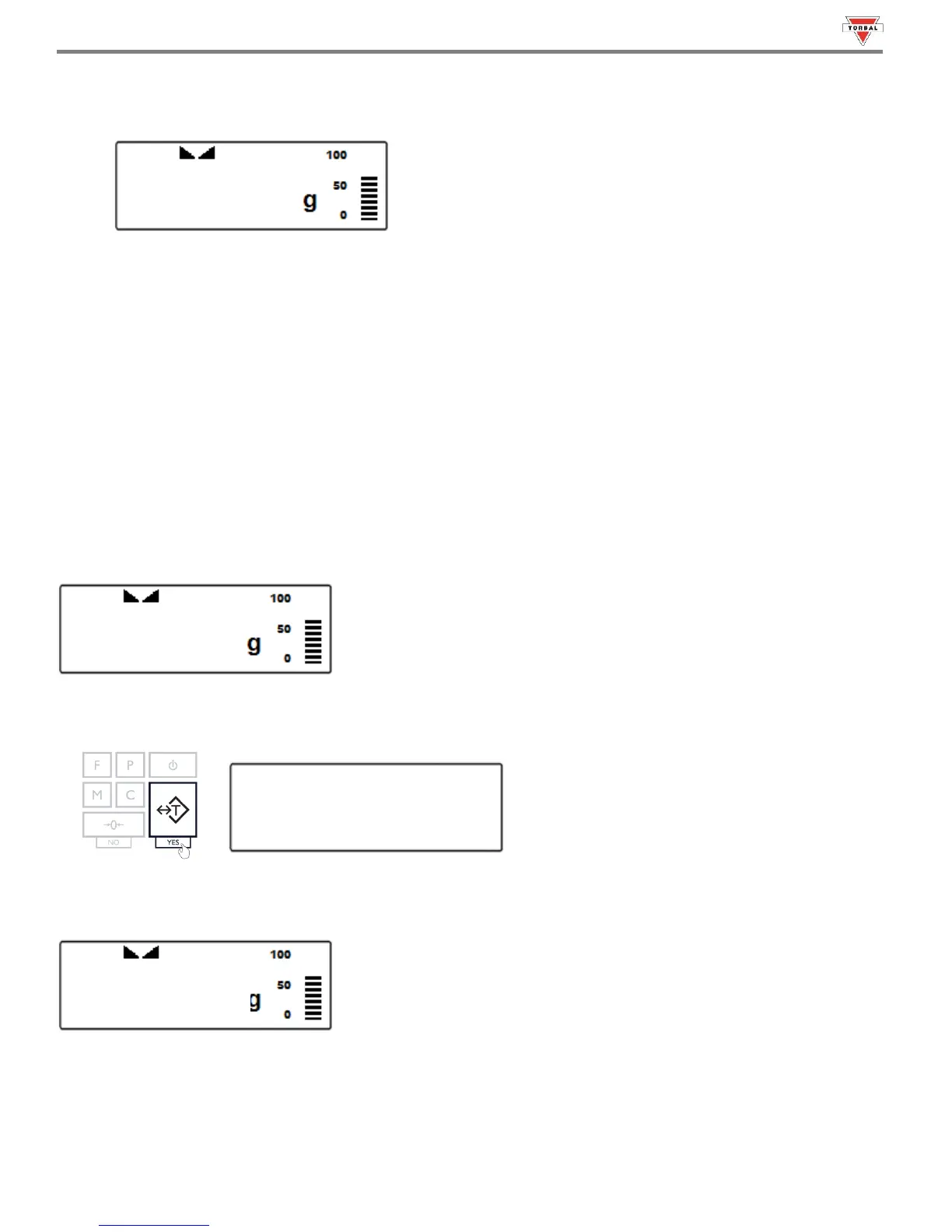
4. When finished taring, the balance will return to Weighing Mode. The display will indicate “0”, and the NET indicator
will be shown on the display signaling the next weight taken is a NET result.
Note: Do not touch or move the scale during the taring process.
15.3 Clearing the Tare
1. To clear the tare, remove the tared object along with the NET weight from the pan. The scale will then display a
negative NET tare result.
2. To clear the tare, press the “T” key. The display will show dotted lines, indicating the tare is clearing.
3. When finished clearing the tare, the scale will return to Weighing Mode.



 To Next Page