Instruction Manual – AD Series
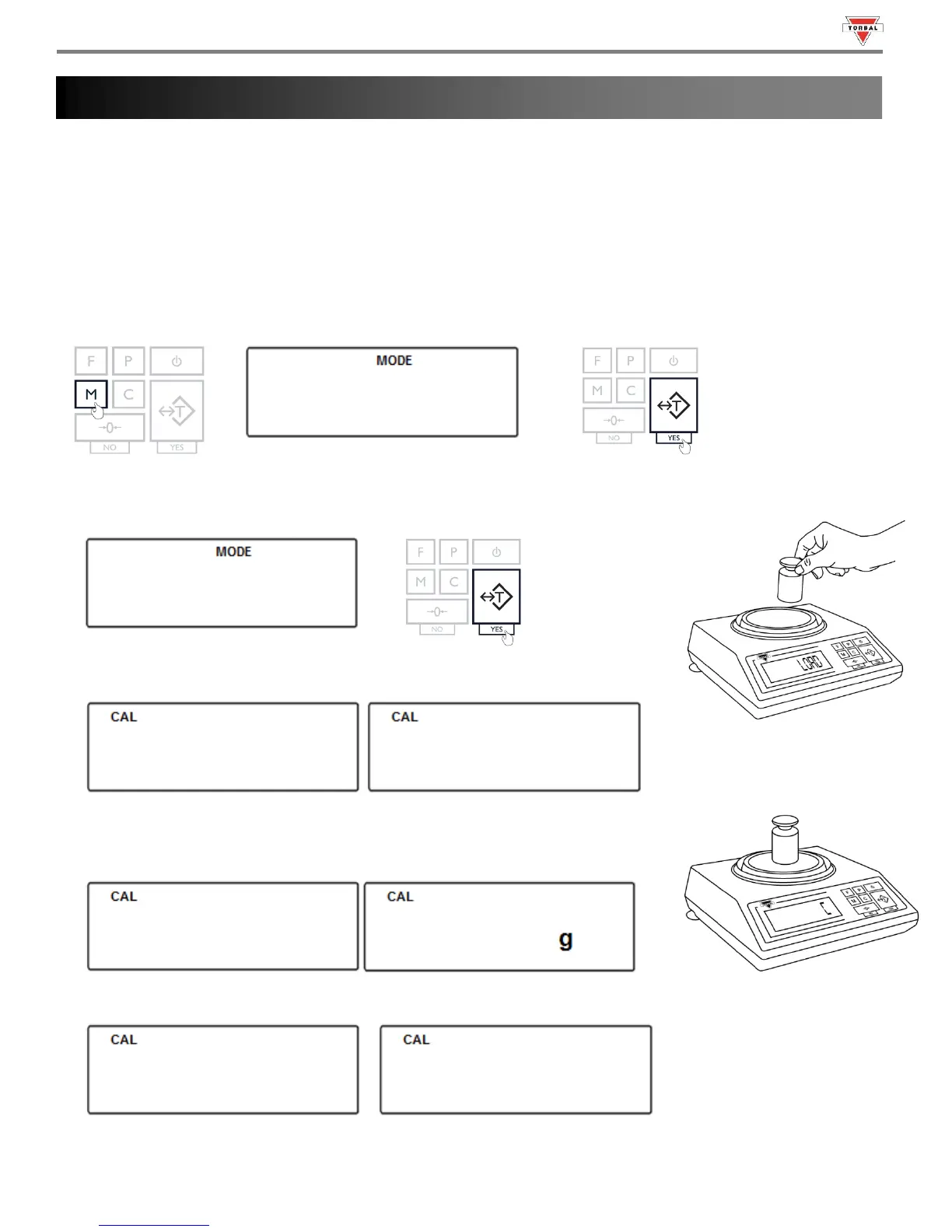
7.1 Calibration – External:
External calibration can be performed with an external calibration weight equal to the scale’s capacity.
Force automatic internal calibration to begin.
Print Calibration Report.
Select calibration mass value lower than scales capacity. External Calibration not legal for trade models only.
1. To start calibration, press the “MENU” key. Select “” by pressing the “T” key.
2. Select “” by pressing the “T” key. The scale will then begin to perform calibration.
3. Wait for the scale to tare.
4. When prompted, load a calibration weight equal to the weight displayed on the
screen. (Calibration weight varies by model).
5. Wait for the scale to calibrate.
Chapter 7: Calibration ()



 To Next Page