Instruction Manual – AD Series
Table 9.4: Display Hold Operating Modes
Display Hold Initialization: Automatic
Result Clearing: Automatic
Tare: Automatic
When set to Automatic, the scale will automatically
lock and hold the first stable weight reading on the
display. When the weight is removed the scale will
automatically clear the result. Once the result is
cleared the scale will automatically tare and prepare
for the next weighing.
Display Hold Initialization: Automatic
Result Clearing: Manual
Tare: Manual
When Set to Semi-Automatic, the scale will
automatically lock and hold the first stable weight
reading on the display. When the weight is removed it
must be manually cleared. Before starting the next
weighing the scale must be manually tared.
Weighing Initialization: Manual
Result Clearing: Manual
Tare: Manual
When set to manual, the first stable weight reading
on the display must be locked manually. When the
weight is removed it must be manually cleared.
Before starting the next weighing the scale must be
manually tared.
9.5 Percent Weighing Configuration
23
Percent Weighing is used to compare the relative weight of an unknown item to that of a previously stored sample.
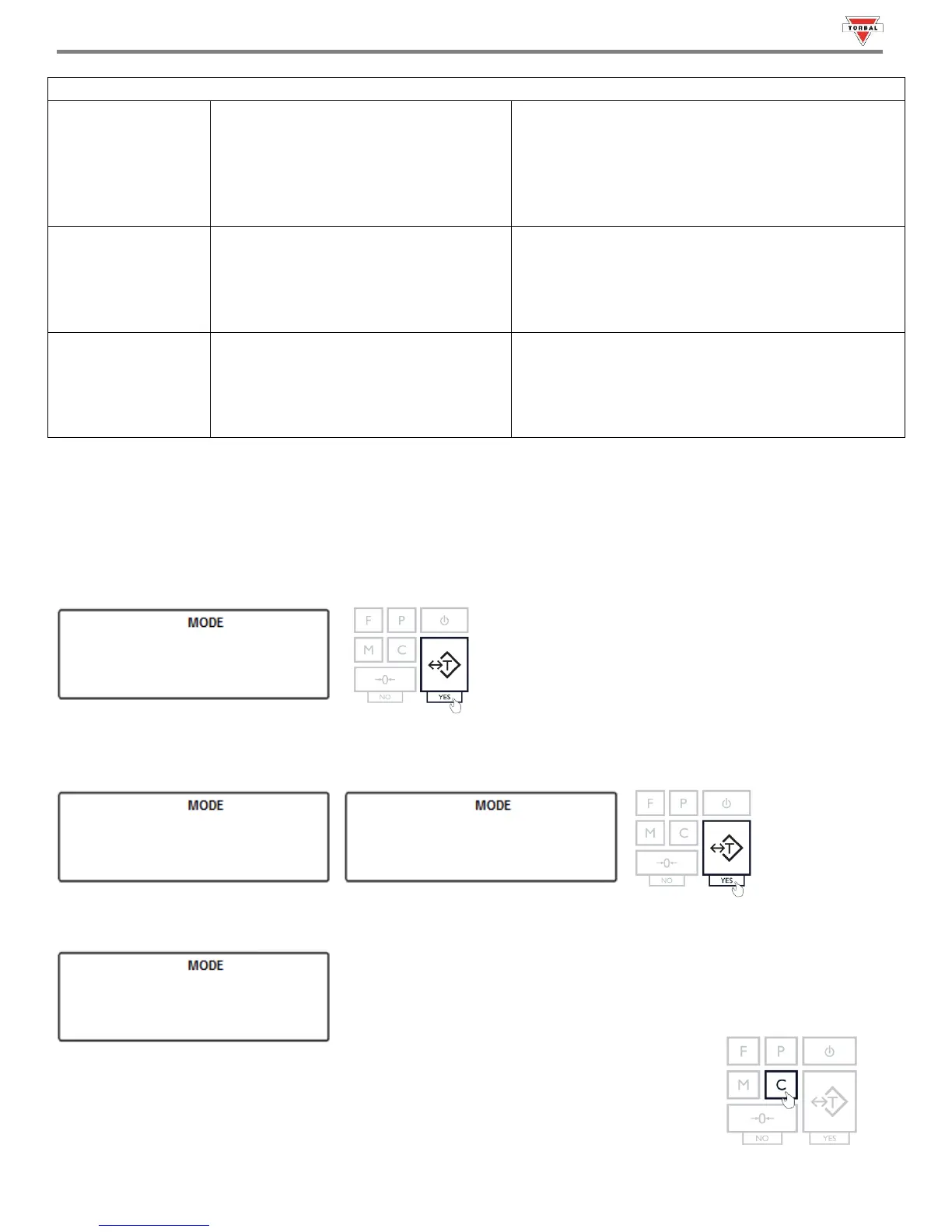
1. To enable Percent Weighing, select “” in the Mode Menu by pressing “T” (YES) key.
2. Commands “” and “” will be displayed sequentially. To enable Percent Weighing, select “” with
the “T” key. To disable Percent Weighing, select “” with the “T” key.
3. After enabling Percent Weighing, “
”
will be displayed, indicating that the function has been configured and it is
ready to use.
4. To use the function follow the directions in Chapter 20. To exit the mode menu use the
“C” key.



 To Next Page