Instruction Manual – AD Series
12.4 Send – Sending Data to PC or Printer
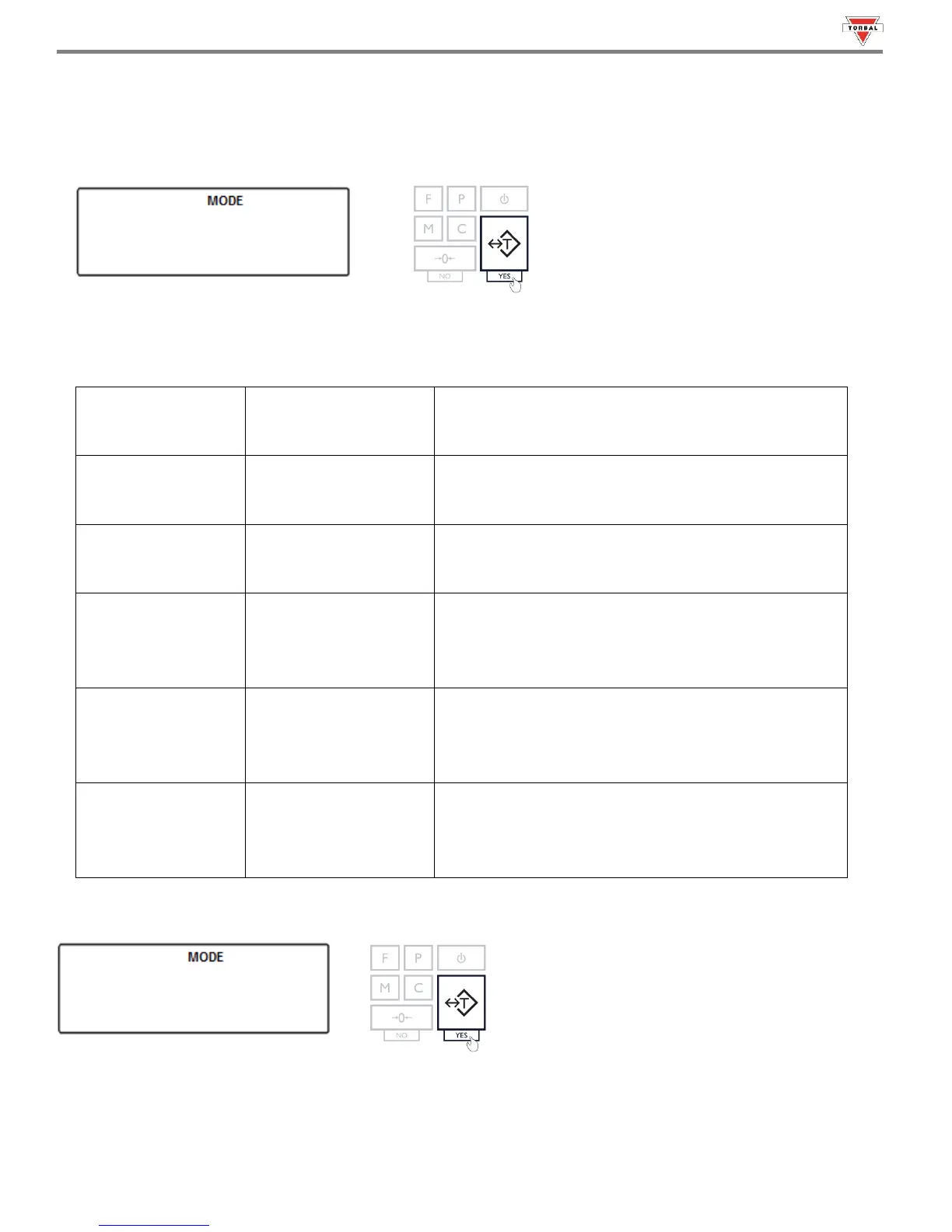
1. To configure the data sending format type select “” by pressing the “T” key.
2. Choose the data sanding format (“”, “”,“”, “”,“ and “”). To confirm the
selection, press the “T” key.
Stable weighing result is required before data is
sent
Result is sent as soon as the transfer data button is
pressed. Scale does not wait for a stable result
Weighing result is automatically transferred from
the scale after it stabilizes (no push key required)
Weighing results is continuously transferred from
the scale at all times. (no push key and no stability
required)
All none mass result characters are removed. Scale
send only numeric mass values. Date, Time, Unit of
measure are removed
All none mass result characters are excluded from
data transfer. Scale sends only numeric mass
values. Date, Time, Unit of measure are removed
Example (Selecting None):



 To Next Page