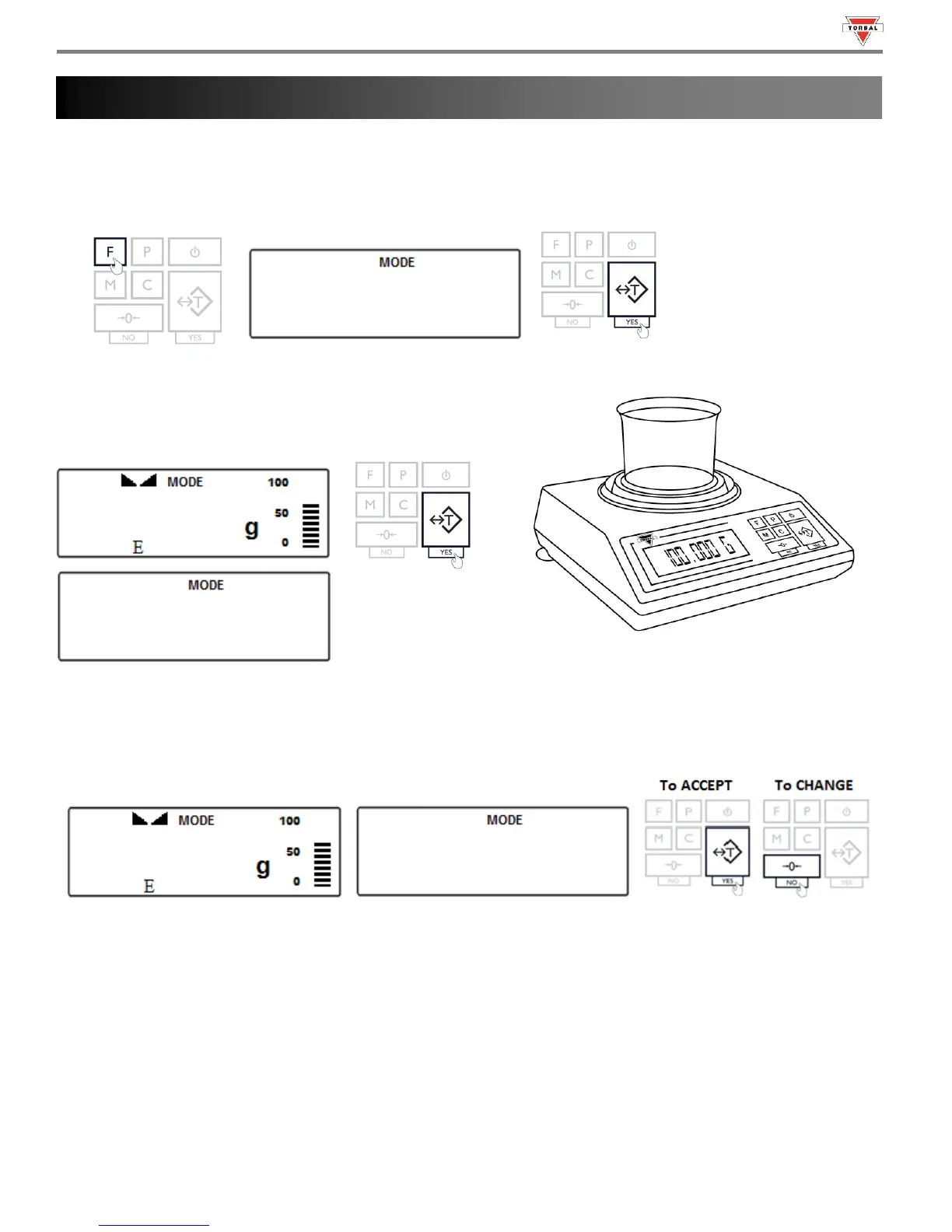
Percent Weighing is used to compare the relative weight of an unknown item to that of a previously stored sample. An
“E” indicator will appear on the screen to indicate the scale is in Percent Weighing mode.
1. To enter Percent Weighing Mode, press the “F” key. Select “” by pressing the “T” key.
2. Place an empty weighing container on the pan. The
container’s weight will be displayed. Wait for the weight to
stabilize and press the “T” key to tare.
3. The scale will display the weight of the previously stored sample and the command “” sequentially. To
accept the current sample weight, press the “T” (Yes) key. To change the sample weight, press the “0” key.
Note: If this is the first time the function is used, the sample weight will be 0.000g.



 To Next Page