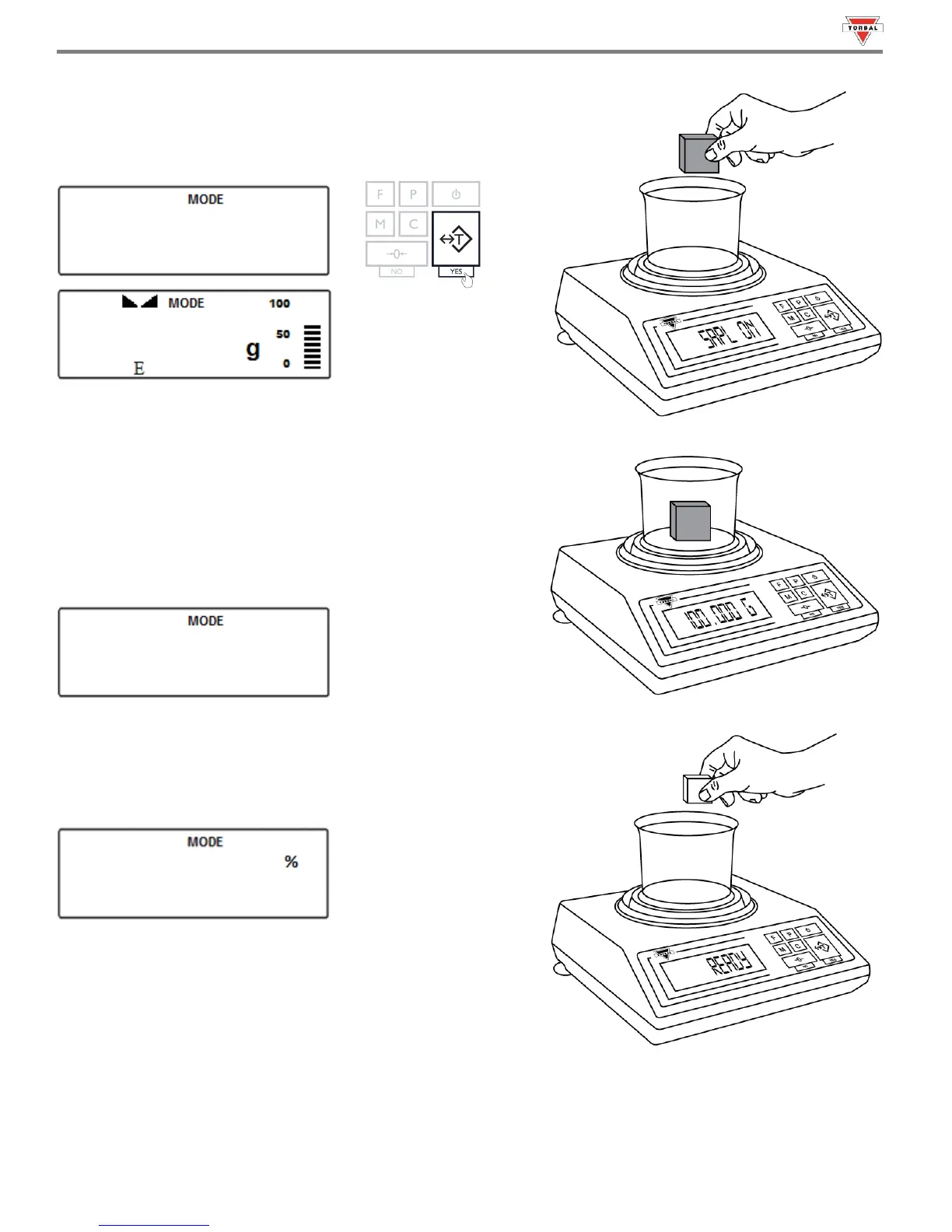
To change the sample weight, place a new sample in the weighing
container when “” is displayed. Once stabilized, press the
“T” (Yes) key to accept the new weight.
Note: The reference sample must be equal to or greater than 100d.
Attempting to set a sample lower than 100d will result in a
“
” error.
4. After setting the sample weight, the command “
” will be
displayed. Remove the sample and place the object on the pan.
5. The scale will express the weight of the object as a percentage of
the stored sample.
59



 To Next Page