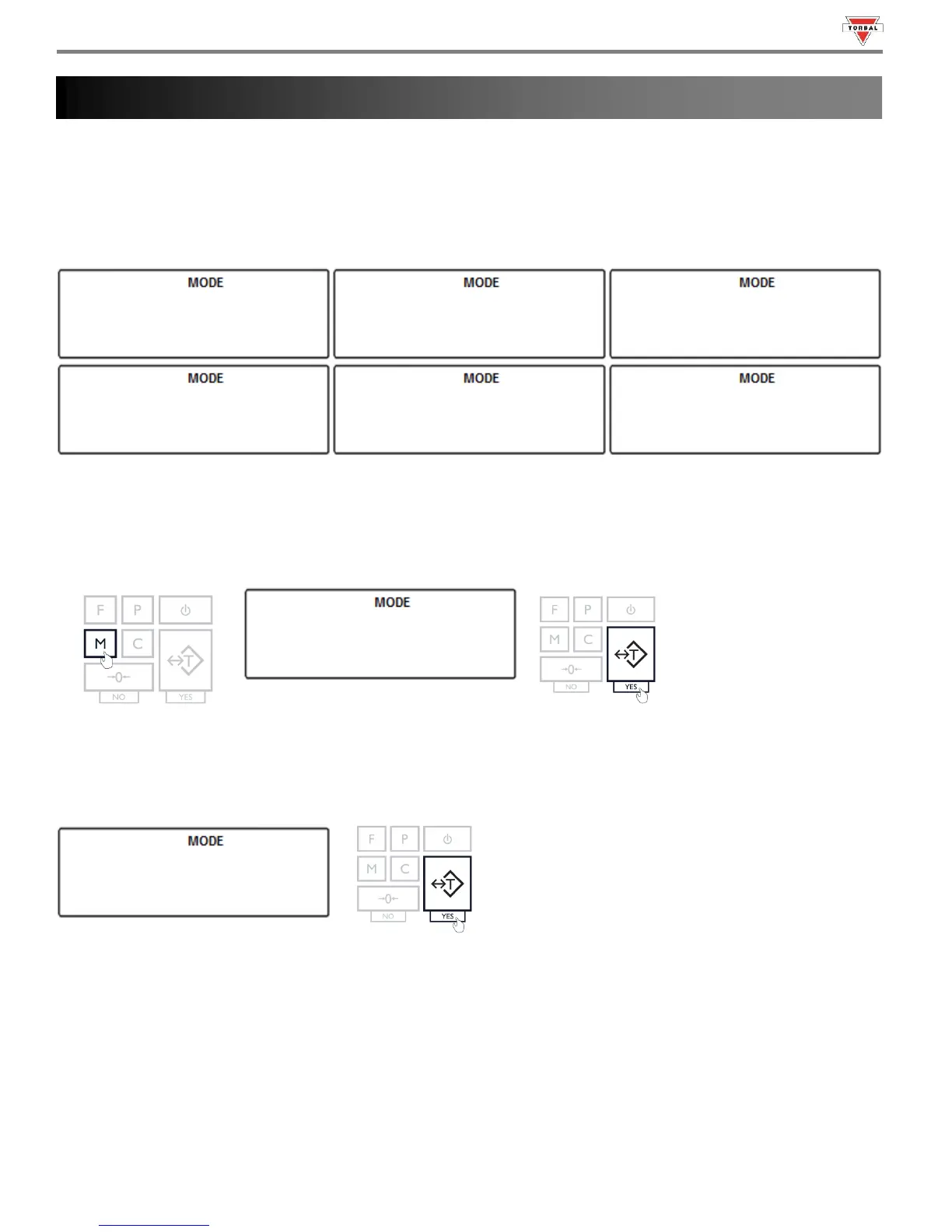
TORBAL AD series scales can operate in six application modes: Animal Weighing (), Parts Counting (),
Check Weighing (), Display Hold (), Percent Weighing (), and Totalizing ().
Before an application mode can be used, it must be enabled and configured. Once the application mode is enabled it will
be available for selection from the Function Menu.
By factory default the scale is in the weighing mode (
). To enable other application modes, follow the steps
below.
1. Press the “M” key. Select “” by pressing the T key.
2. The scale will display available modes sequentially. When the desired mode is displayed, press the “T” key (Yes) to
make the selection.
Example (Selecting Animal Weighing):
Note: Scrolling through the options may be accelerated by pressing the “0” (NO) key.
19
• Check individual Mode sub-chapters for more information on each.



 To Next Page