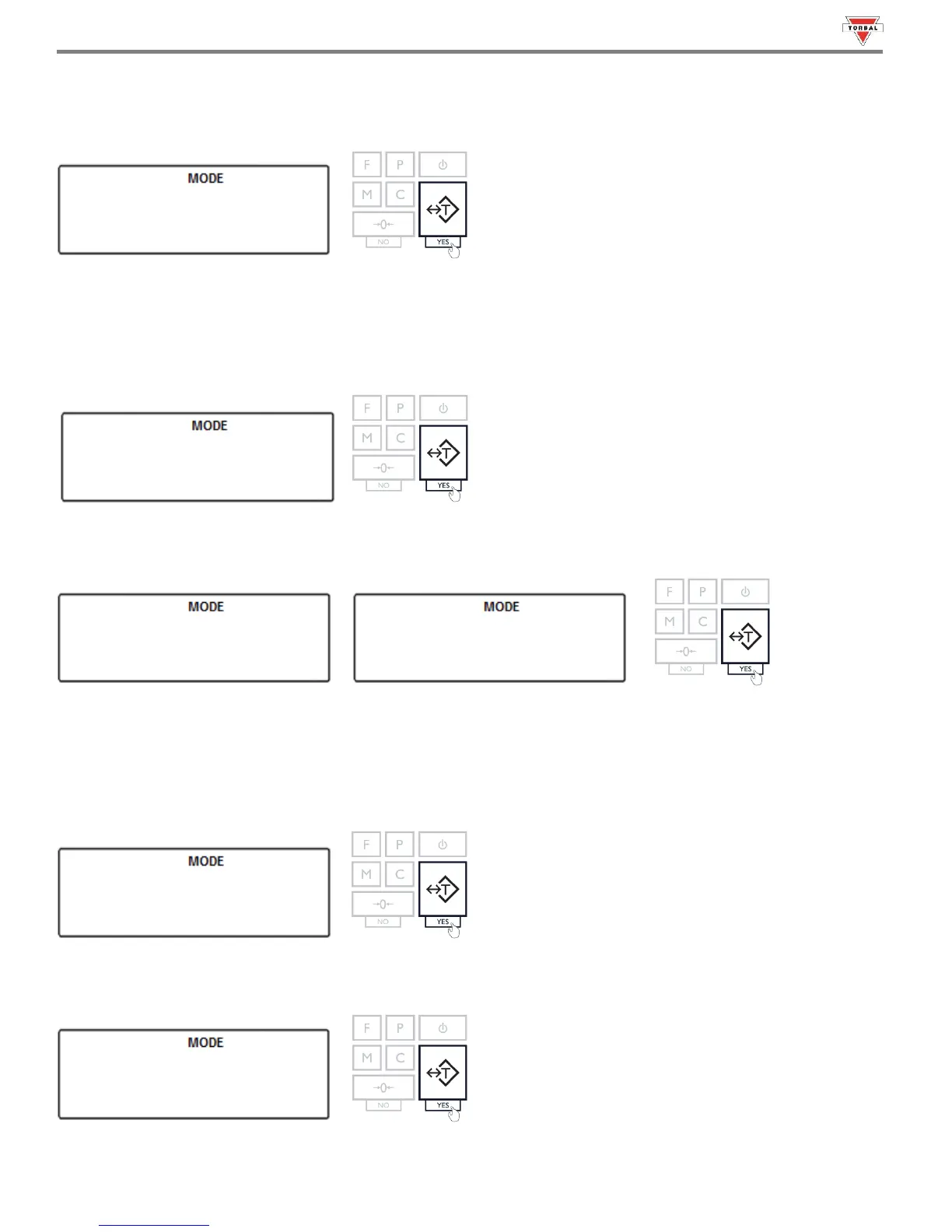
2. Choose the baud rate to be used (“”, “”, “”, “”, “”, “”, “”, and “”).
To confirm the selection, press the “T” key.
Example (Selecting 9600):
12.2 Bits
1. To configure the number of bits select “” by pressing the “T” key.
2. Choose “” or “”. To confirm the selection, press the “T” key.
12.3 Parity
1. To configure the parity type select “” by pressing the “T” key.
2. Choose the parity type to be used (“”, “”, and “”). To confirm the selection, press the “T” key.
Example (Selecting None):



 To Next Page