9.2 Parts Counting Configuration
Parts Counting is used to count a batch of items based on their weight. A sample is taken to determine the average
piece weight of the items.
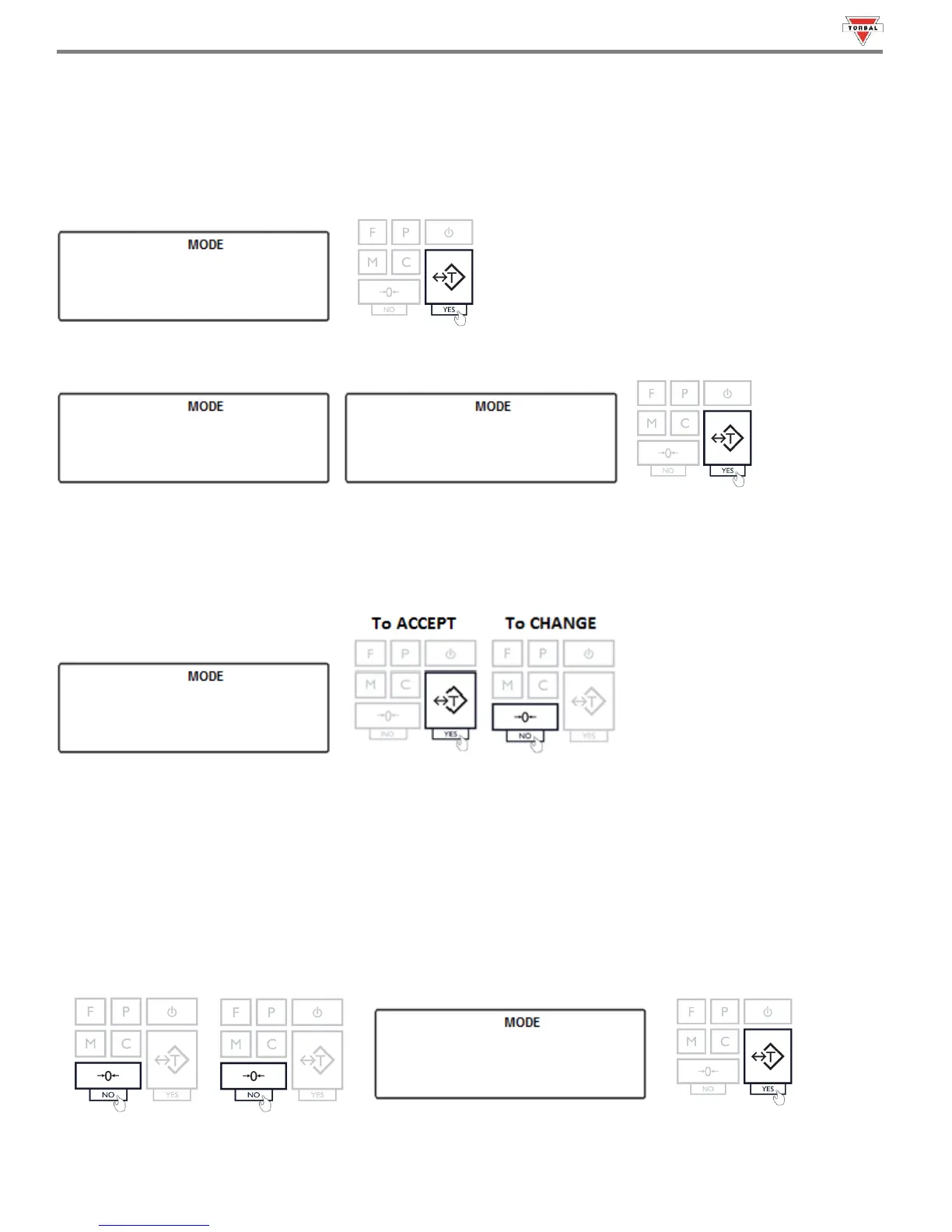
1. To enable Parts Counting, select “” in the Mode Menu by pressing “T” (YES) key.
2. Commands “” and “”
will be displayed sequentially. To enable Parts Counting,
select “” with the “T” key. To disable Parts Counting, select “” with the “T” key.
3. A sample size must be configured for establishing the average piece weight. The default sample size of 10 pieces will
be displayed (). To accept the sample size press the “T” (YES) key. To change the sample size press the
“0” (NO) key.
The sample size selection ranges from 1 to 100. Quickly press and release the “0” (NO) key to change the sample
size by increments of one. Press and hold the “0” (NO) key to change the sample size in increments of five. Once a
desired sample size is displayed, press the “T” (YES) key to accept and confirm the selection.
Example (Selecting SPL-99):
Press and hold the “0” key until the display reads 95. Apply four single presses until the sample size reads 99. Press
the T key to confirm the selection.



 To Next Page