All AD scales are equipped with AZSM, the “Auto Zero Setting Mechanism.” AZSM automatically maintains a “center of
zero” condition within +/- 6d (i.e. 6 mg on scales with 0.001g readability).
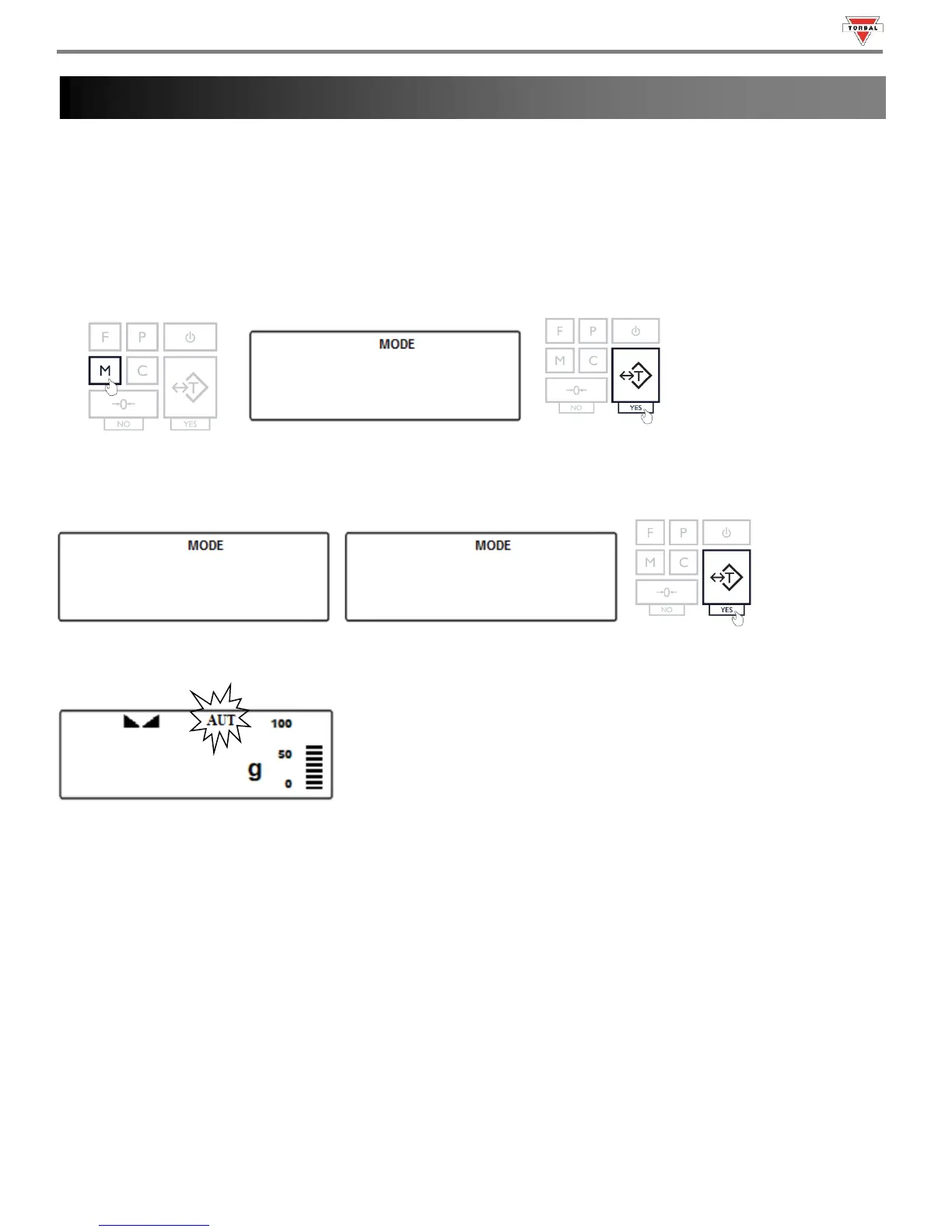
To enable or disable AZSM follow the steps below.
1. Press the “M” key. Select “” by pressing the “T” key.
2. To enable AZSM press the “T” key when “” is displayed. To disable AZSM press the “T” key when
“” is displayed.
3. Once enabled, the “AUT” indicator will be displayed.



 To Next Page