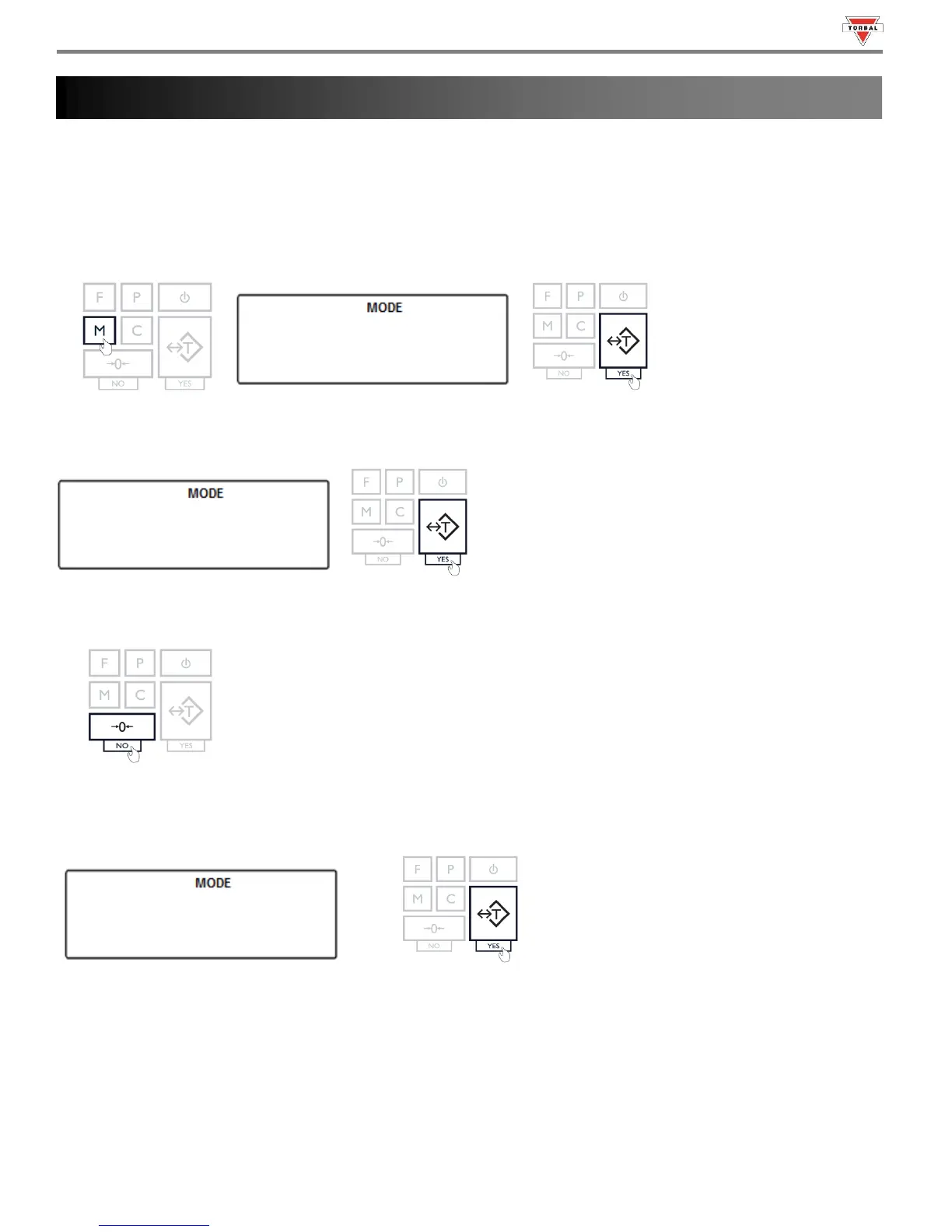
To set the current time and date, follow the steps below.
13.1 Time
1. Press the “M” key. Select “” by pressing the “T” key.
1
2. Select “” by pressing the T key.
3. The current time setting will be displayed. To adjust the time press the “0” (NO) key.
4. Use the 0 key to select “” AM or “” PM. Confirm selection with T key.
5. Use the 0 key to change minutes and hours. Press the T key to advance and confirm the time setting.



 To Next Page