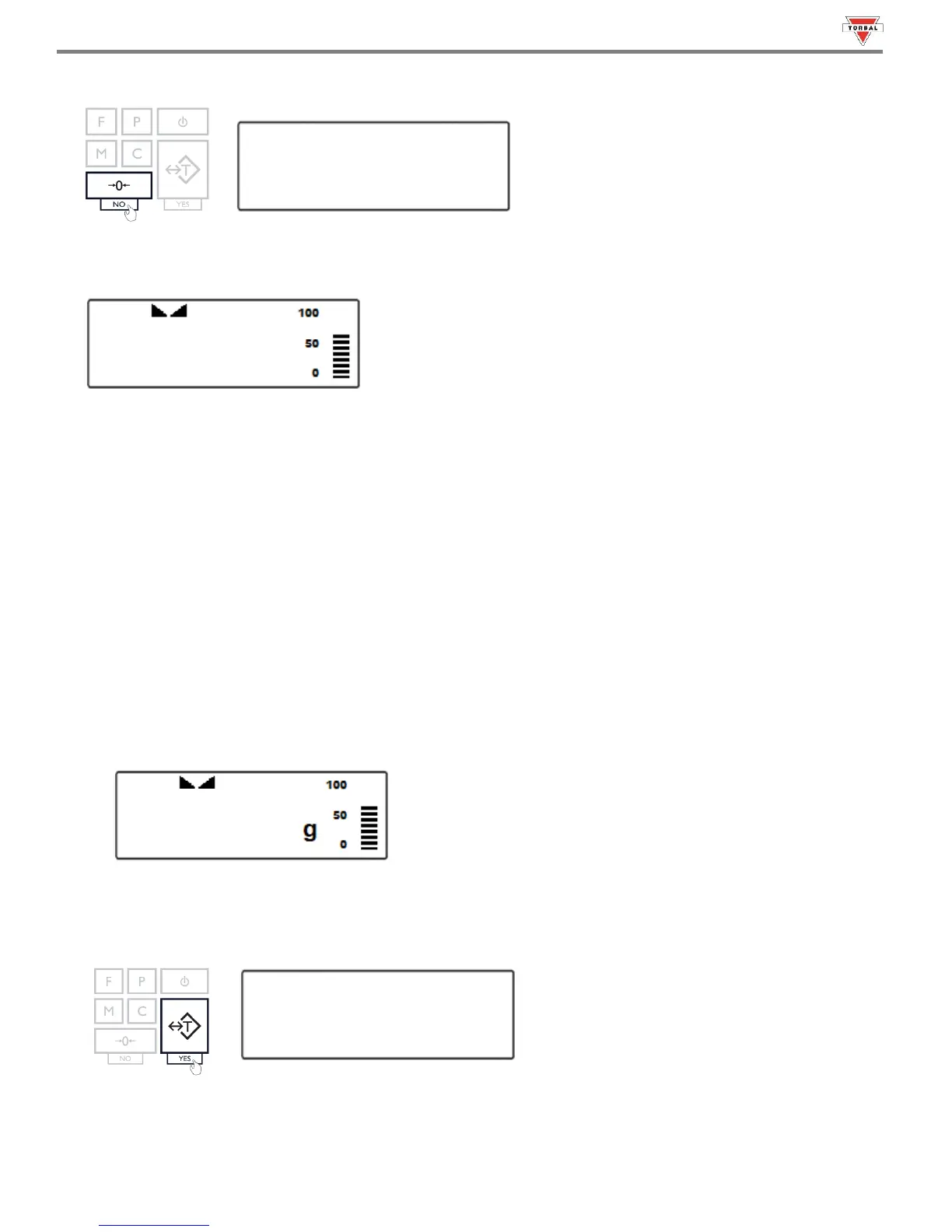
3. Re-zero the scale by pressing the zeroing key.
4. When finished re-zeroing, the scale will return to Weighing Mode and the display will indicate “0”. A new center of
zero has been set, and the scale is ready for weighing.
Note: Re-zeroing the scale will reduce the capacity of the scale by the re-zeroed weight. The remaining capacity is
displayed as a percentage on the right side of the display.
15.2 Taring the Scale
1. If a container is used for weighing, it may be tared. In taring the container, the scale subtracts the weight of the
container from the gross weight to obtain the net weight.
2. To tare the weighing container, place it in the middle of the pan. The container’s weight will be shown on the
display.
3. Once the stabilization indicator appears on the display, the container is ready to be tared. To tare the container,
press the “T” key. The display will show a dotted line indicating that the scale has begun the taring process.



 To Next Page