After a weighing or counting transaction is completed, a result data receipt can be printed. To initiate printing, press the
“P” key. Data may be sent to a printer or a PC via the Torbal Communication Software.
USB and RS232 Ports
The scale is equipped with both USB and RS232 interface ports. These interfaces are both configurable through the
Ports menu. The USB and RS232 can be configured by their baud rate, number of bits, and parity type.
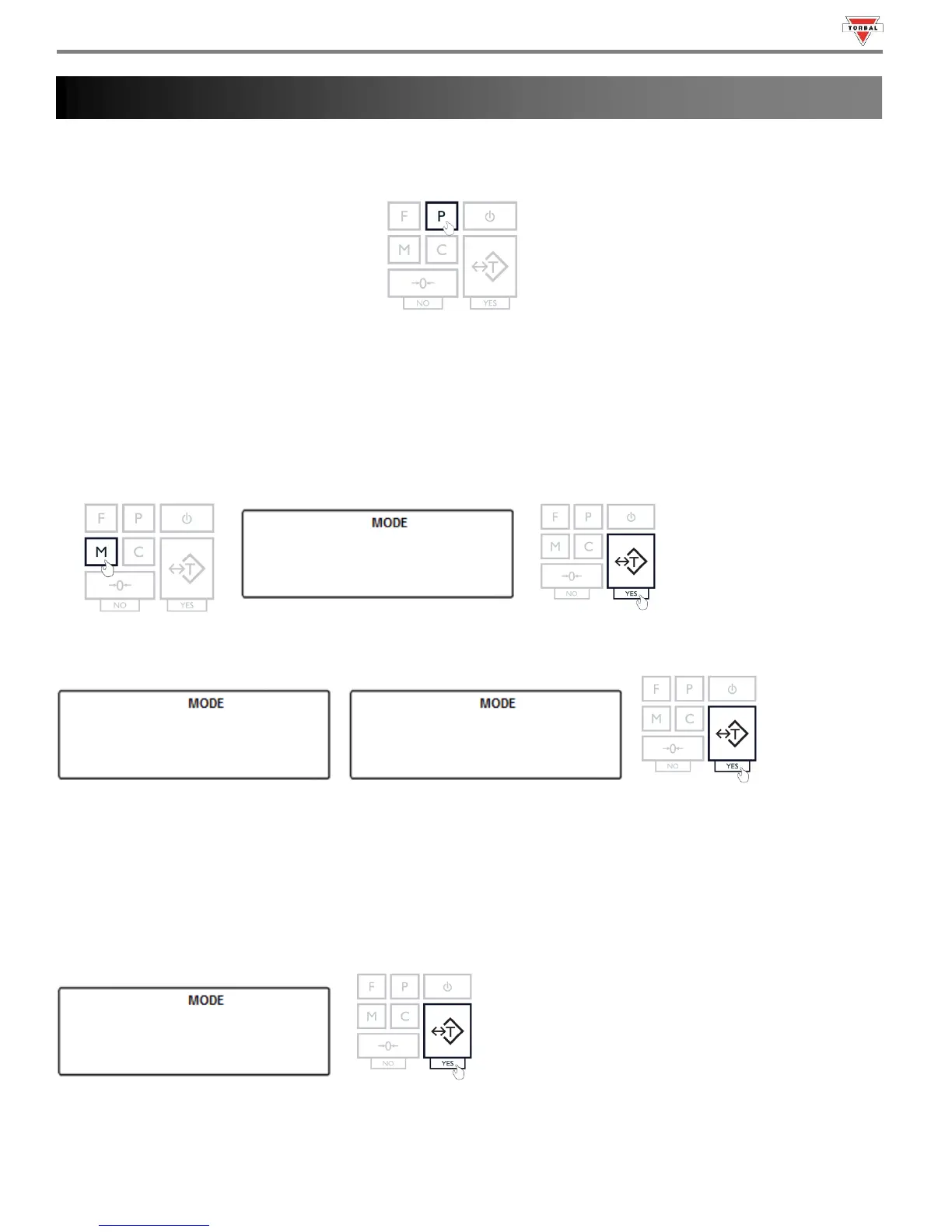
1. To configure the ports, press the “M” key. Select “
” by pressing the “T” key.
2. Choose the ports to be configured by selecting “” or “”. Confirm the selection by pressing the “T” key.
12.1 Baud Rate
1. To configure the Baud Rate select “” by pressing the “T” key.



 To Next Page