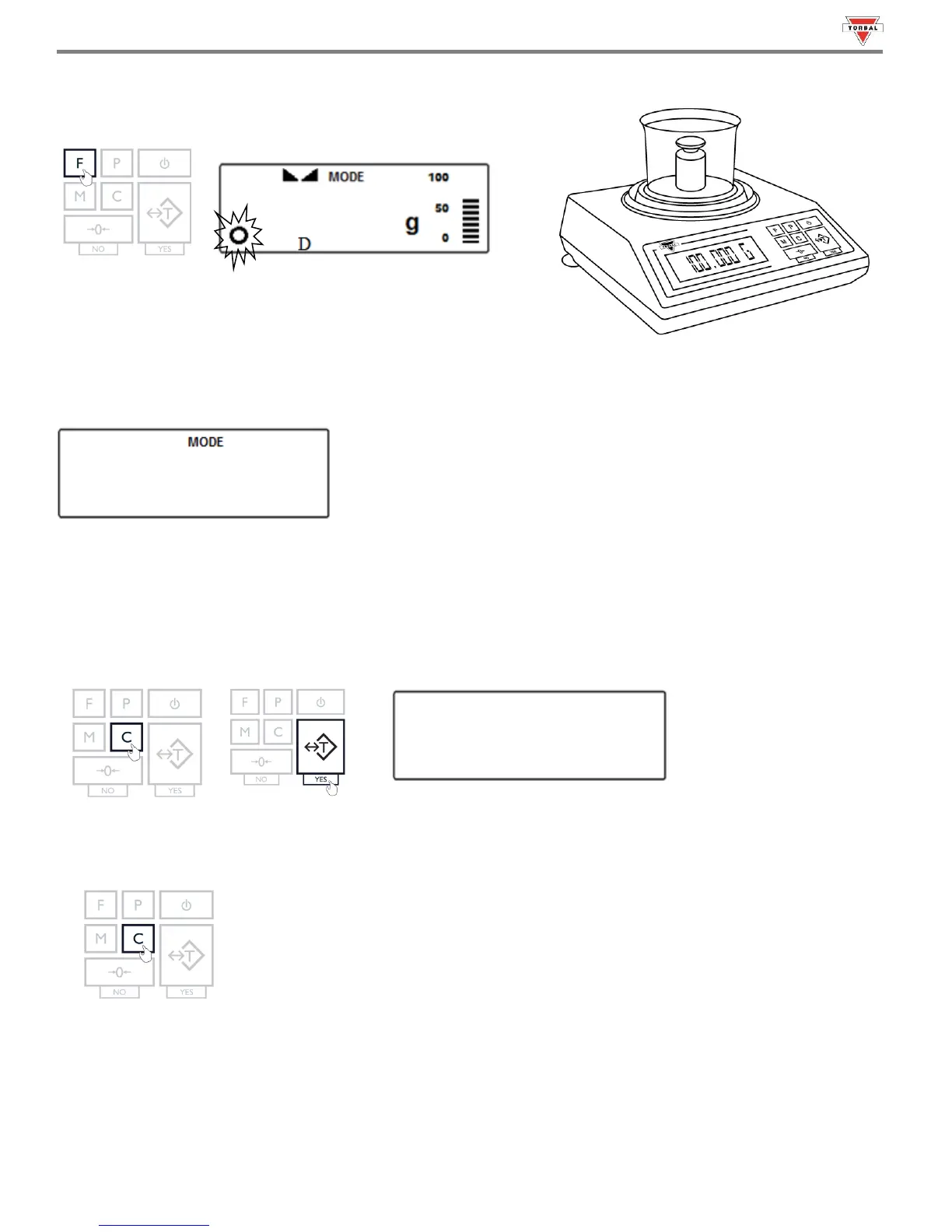
Manual:
When set to Manual, press the “F” key to lock the result on the
screen.
4. Clearing the display
Automatic:
When set to Automatic, the scale will automatically clear the result from the screen when the weight is removed from
the container. The scale will perform an automatic tare and prepare for the next weighing.
Note: If the weighing container is changed the scale must be tared manually by pressing the “T” key.
56
Semi-Automatic and Manual:
When set to Semi-Automatic or Manual, press the “C” key to remove the weighing result from the screen. Press the “T”
key to tare the scale.
5. To exit Display Hold, press the “C” key.



 To Next Page