Manual:
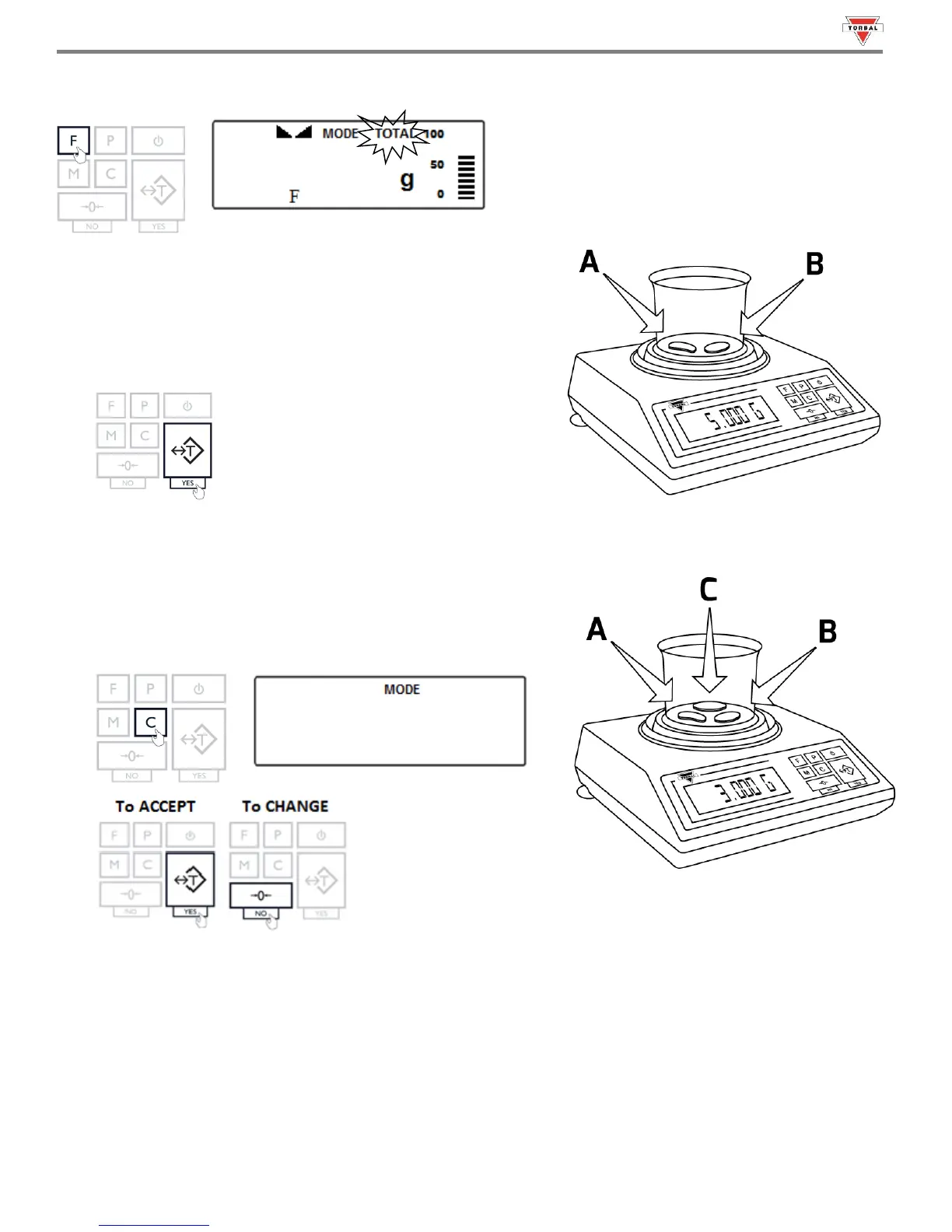
When set to Manual, press the “F” key to add the weight to the total. A TOTAL indicator will appear on the display.
Note: With each added weight, the grand total result will appear on
the display for approximately three seconds. To recall the grand total
at any time, press the “M” key.
4. Once a weight has been added to the total, remove the object
from the pan or press the “T” key.
5. Repeat Steps 3 – 4 for the remainder of the samples.
6. To clear the grand total and reset the function press the “C” key.
“” will appear on the display. To clear the function, press
the “T” (Yes) key. To cancel the clear, press the “0“ key.
7. To obtain the total press the MAENU key. To reset the compounding function and start a new recipe press the CLR
key again while the total is displayed.
8. To print the recipe, press the P key.



 To Next Page