CHAPTER 7 RECEIPT MODE (INTERFACE COMMANDS)
B-EP Series
7-22
7.5.8 NUMERALS UNDER BARS COMMAND [GS] Hn
Function Sets numerals under bars.
Format [GS] Hn
Term n: Selection to print numerals under bars
0: Non-print
1: Print (with EAN guard bar)
2: Print (without EAN guard bar)
Initial value n: 1: Print (with EAN guard bar)
Explanation (1) When “n” is set to any value other than the above, a command error occurs.
(2) For NW7, CODE39, Interleaved 2 of 5 and MSI, if “n” is set to “1” or “2,” printing is
the same.
The length of the guard bar is fixed as follows:
y B-EP2DL-GHxx, B-EP4DL-GHxx: 16 dots (2 mm)
Refer to Barcode/Two-Dimensional Code Print Command ([GS] k)
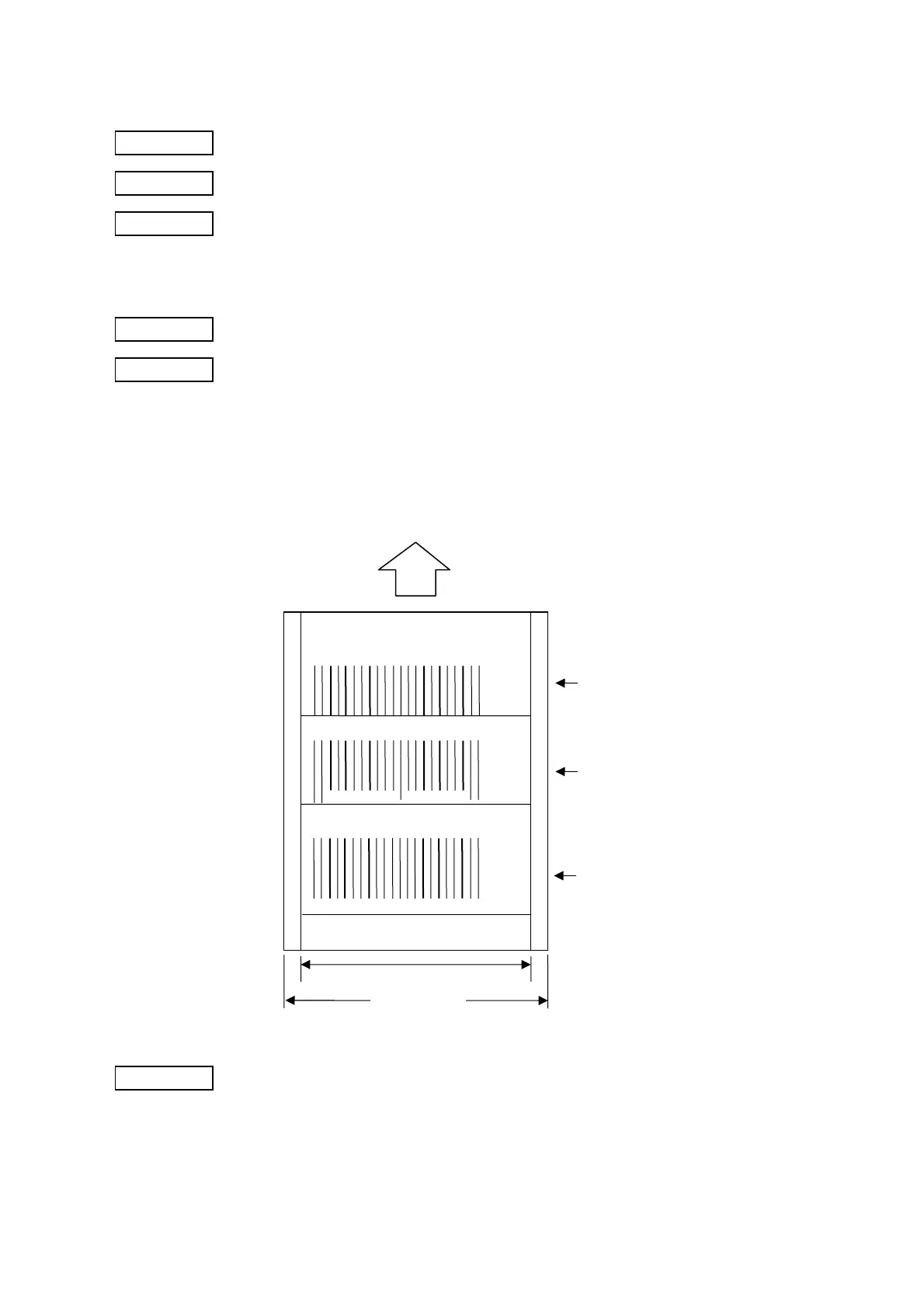
Paper feed direction
Effective print width (Width of head)
Width of receipt
[GS] H0 [GS] k04940045 [NUL] [LF]
[GS] H1 [GS] k04940045 [NUL] [LF]
[GS] H2 [GS] k04940045 [NUL] [LF]
4 9 4 0 0 4 5 8
4 9 4 0 0 4 5 8



 To Next Page
 Loading...










