CHAPTER 8 ESC/POS MODE (INTERFACE COMMANDS)
B-EP Series
8-44
8.10.28 PANEL KEY (FEED KEY) SET COMMAND [ESC] c5
Function Enables or disables the panel key (FEED key).
Format [ESC] c5n
Term ASCII: ESC c 5
Hex: 1Bh 63h 35h
[Parameter]
n: Selecting / deselecting printer 0 ≤ n ≤ 255 (00h ≤ n ≤ FFh)
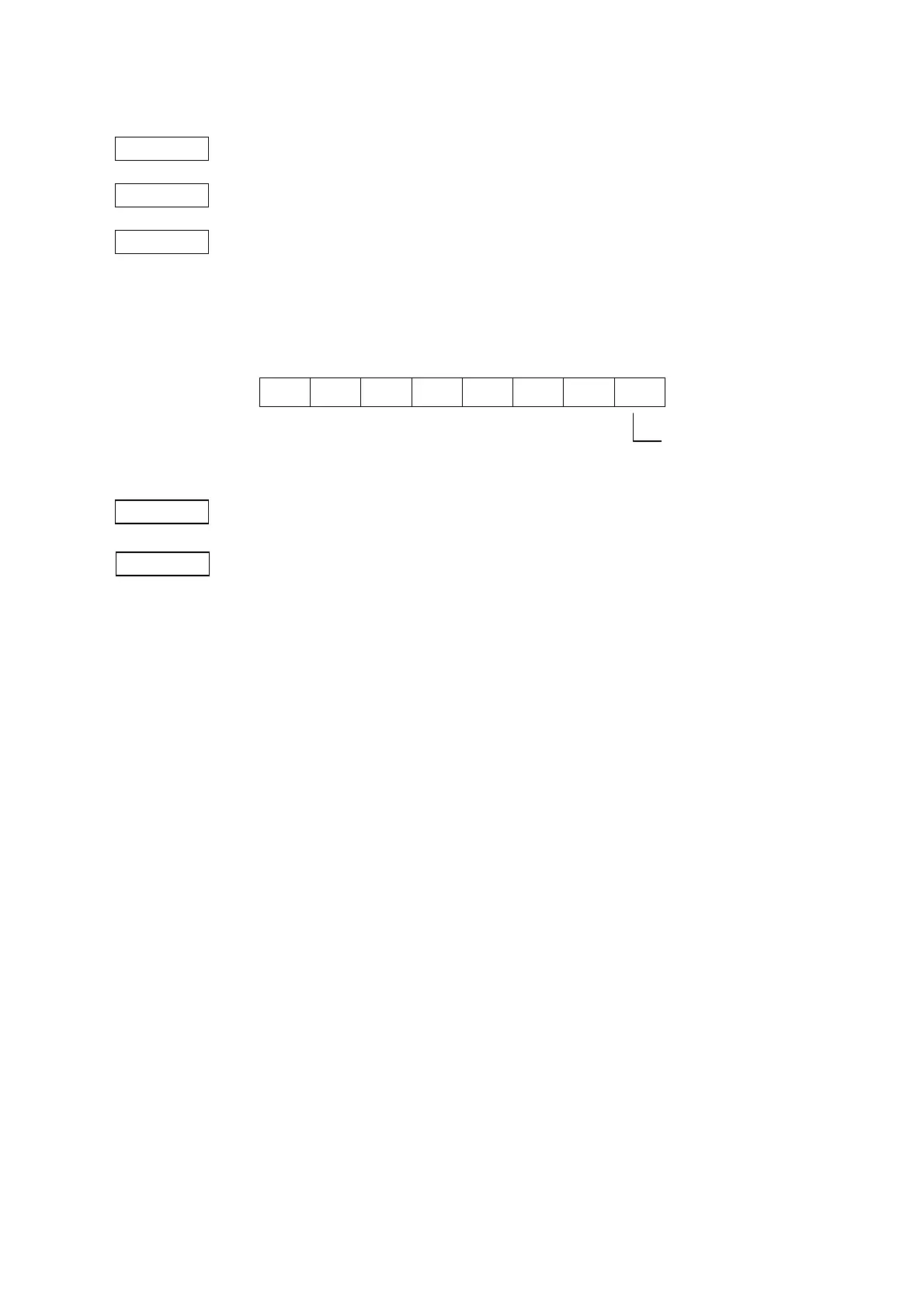
b7 b0
-- -- -- -- -- -- --
Default value n: 0
Explanation (1) n is valid only in the least significant bit.
(2) The [FEED] key will be disabled if the parameter is set to “Disabled.”
(3) While waiting for the [FEED] key entry when a macro is executed, the [FEED] key is
enabled regardless of the parameter setting of this command. However, paper
feed is not performed.
0: Enabled
1: Disabled



 To Next Page
 Loading...










