CHAPTER 8 ESC/POS MODE (INTERFACE COMMANDS)
B-EP Series
8-14
8.10.7 PRINT MODE ALL SET COMMAND [ESC] !
Function Performs character control (specifies print modes altogether).
Format [ESC] !n
Term ASCII: ESC ! n
Hex: 1Bh 21h n
[Parameter]
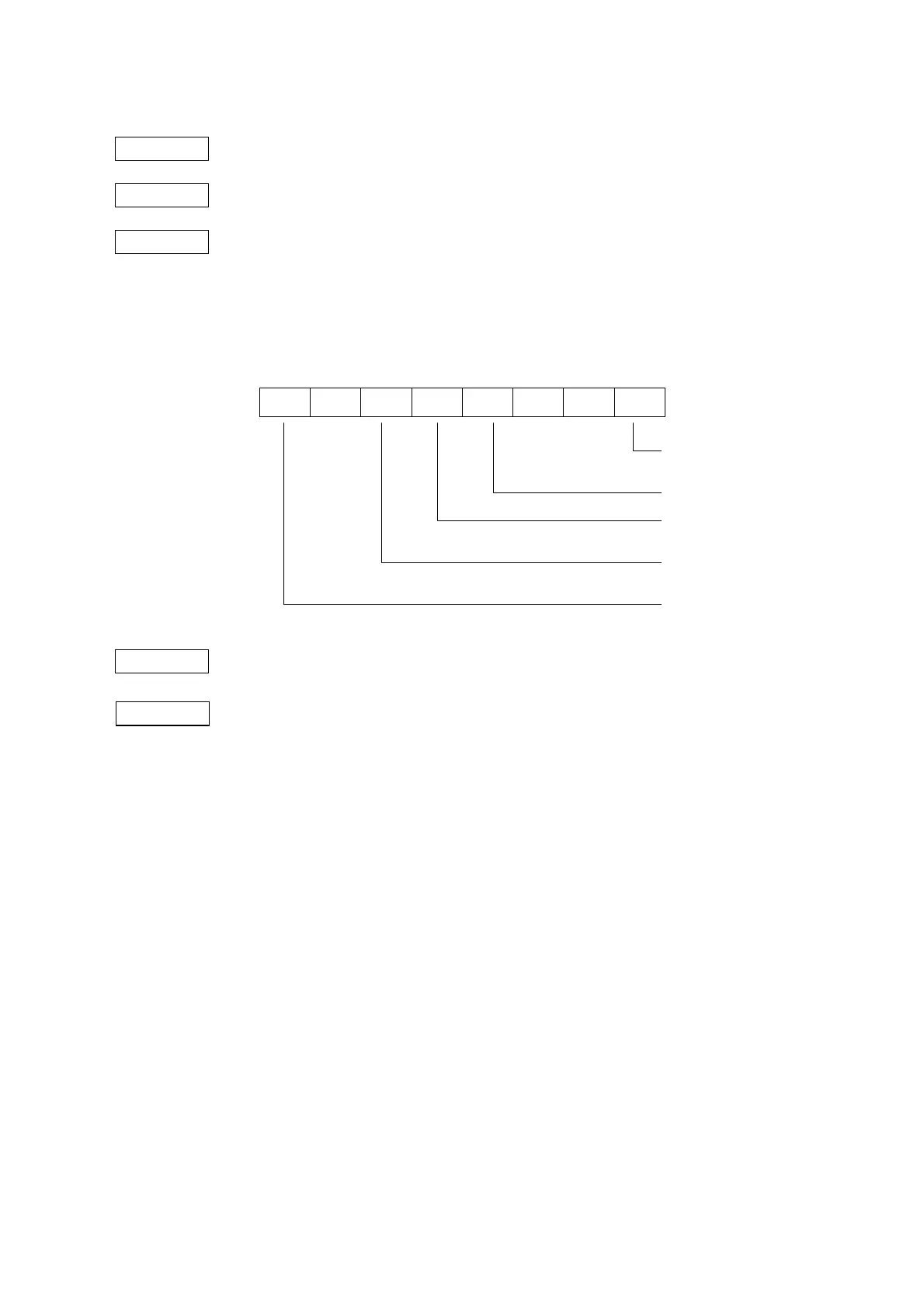
n: Specifying print mode 0 ≤ n ≤ 255 (00h ≤ n ≤ FFh)
b7 b0
-- -- --
Default value n : 0
Explanation (1) With underlining set, a portion skipped by HT or a character rotated 90 degrees
clockwise will not be underlined.
(2) An underline is 1 dot thick. However, the thickness of an underline is determined
in accordance with the thickness specified by the Underlining Set Command
([ESC]-).
(3) Bold printing can also be set or canceled by the Bold Printing Set Command
([ESC]E), but the most recently processed command is applied.
(4) An ANK character size can also be specified by the Character Size Set Command
([GS] !), but the most recently processed command is applied.
(5) Underlining can also be set or canceled by the Underlining Set Command ([ESC]-),
but the most recently processed command is applied.
(6) If both double height and double width are set at the same time, a character size will
be quadrupled (double height × double width).
0: Font A (12 × 24) fixed
0: Canceling bold printing
1: Setting bold printing
0: Canceling double height
1: Setting double height
0: Canceling double width
1: Setting double width
0: Canceling underlining
1: Setting underlining



 To Next Page
 Loading...










