14
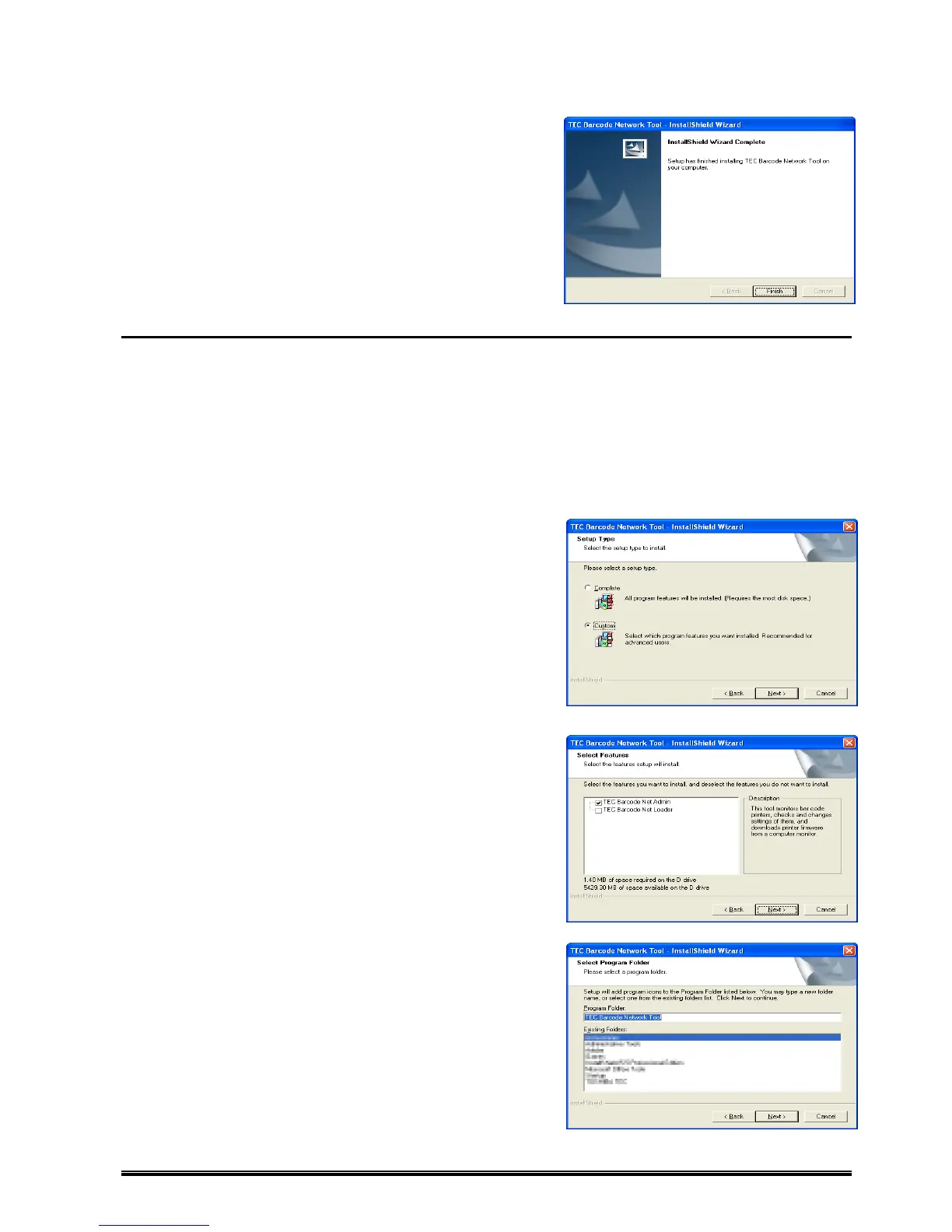
5. The [InstallShield Wizard Complete] screen appears.
Click [Finish] to complete the installation.
Installation Procedure (for the User)
This Installation Procedure is for the User who wants to use the Product to monitor the Supported Printers.
When the Product is installed following the procedure in this section, the Downloader will not appear in the [Start]
menu.
It is recommended that this installation procedure be used when the Surveillance Tool (TEC Barcode Net Admin)
is used in User mode.
Refer to the section ‘Installation Procedure (for the Administrator) – Full Installation of the Product‘ and
follow Steps 1 to 6, then start from Step 1 below.
1. The [Setup Type] screen appears.
Check [Custom], then click [Next].
2. The [Select Features] screen appears.
Make sure that only [TEC Barcode Net Admin] is
checked, then click [Next].
3. The [Select Program Folder] screen appears.
Click [Next].











 To Next Page