64
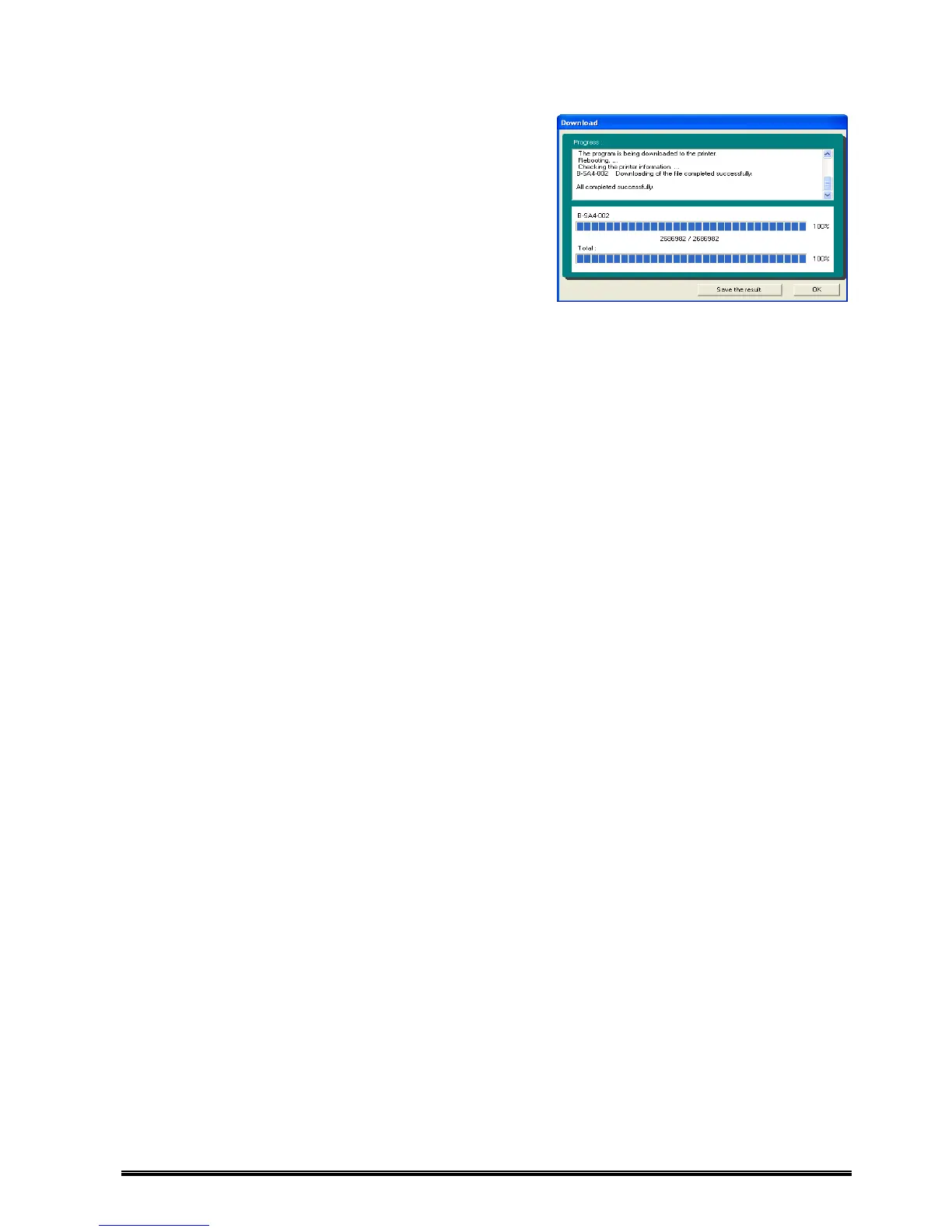
5. When the download completes, the
[Save the result] and [OK] buttons are enabled.
To save the download result, click [Save the result],
and to show the Main screen without saving the result,
click [OK].
For details of files to be saved by [Save the result], please
refer to ‘Download Result File’.











 To Next Page