Enkapsis & EnerSure Platform Installation Guide Rev07.2
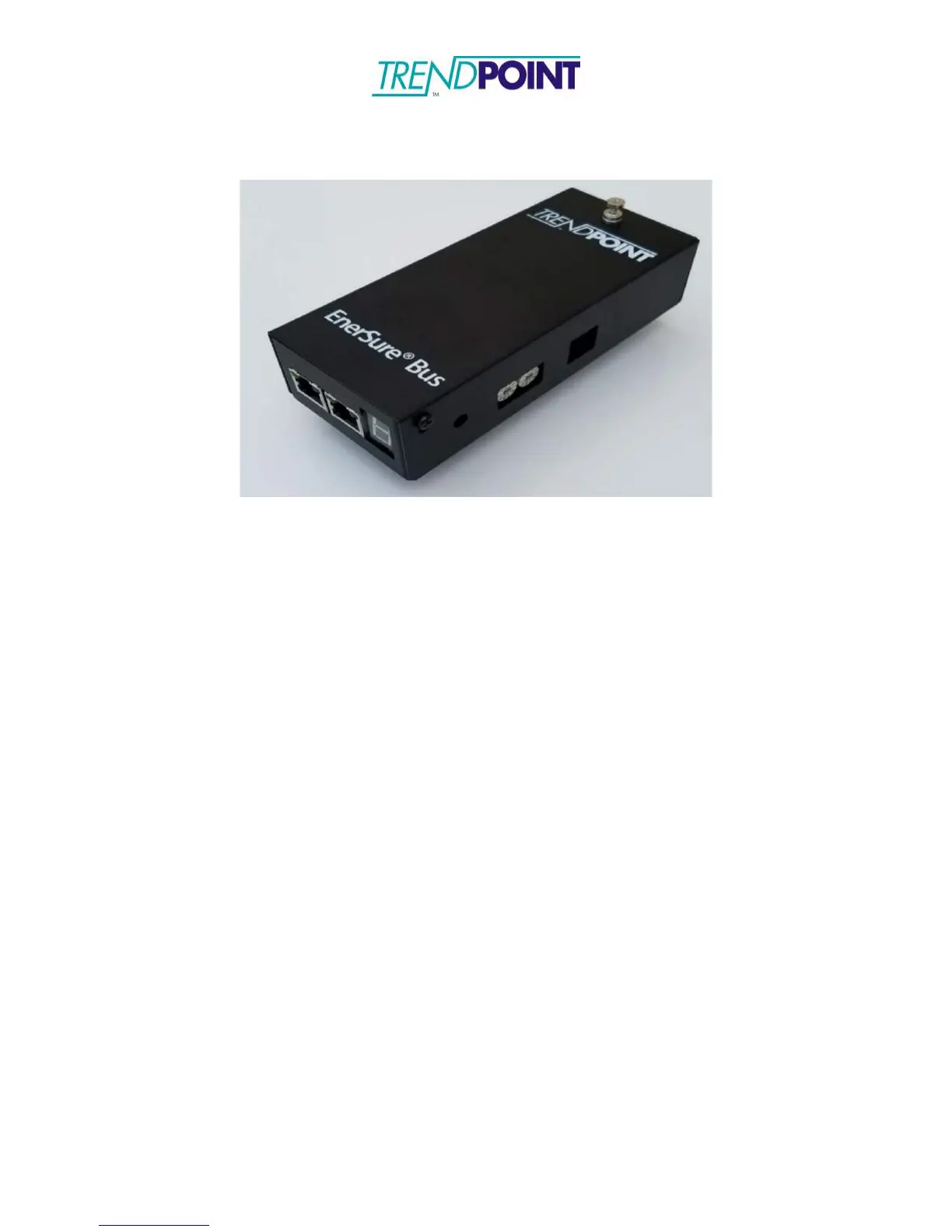
EnerSure Bus2.0
Bus2.0 Overview
The Installation of the Bus2.0 system involves 3 separate components:
1.) Enkapsis PQM – This unit is mounted inside a Tap Can for the Busway system that
is being fitted with the EnerSure Bus product.
2.) Bus2.0 - The Bus2.0 Cards are mounted on each tap box and connected in a “daisy-
chain” format leading back to the Base Unit. Each Bus Tap card can support a
maximum of 4 or 8 Current Transformers (CTs.)
3.) Current Transformers - The current transformers are placed inside of each tap box. The
CTs are typically split-core type and are designed to easily snap around the wires
providing power.
Note: This manual shows how to install and configure TrendPoint’s 4-Circuit Busway
product. TrendPoint also offers an 8-Circit Busway product that installs and configures
in the same manner.


 To Next Page