Enkapsis & EnerSure Platform Installation Guide Rev07.2
Power Scaling
o
There are two selections in the General Settings tab of the web interface.
a. High Power Mode
b.
kWh Resolution
o
kWh resolution is an administrative function used when the registries of
the onboard firmware are being overloaded. Leave this setting at 0.001 at all
times.
o
High Power mode is used when circuits being monitored exceed 655
amps. When High Power mode is activated, by checking the box and
Sending the configuration change to the board, the power data received is
decreased by a power of 10 for amp and a power of 100 for watts. This
process provides needed space when the registries begin overflow at 655
amps.
Firmware Update Procedure
Your Enkapsis unit has two onboard processors that may require firmware
updates. This update procedure will assist with updating the firmware on both
processors.
Each firmware is loaded through the web interface. To load new firmware:
o
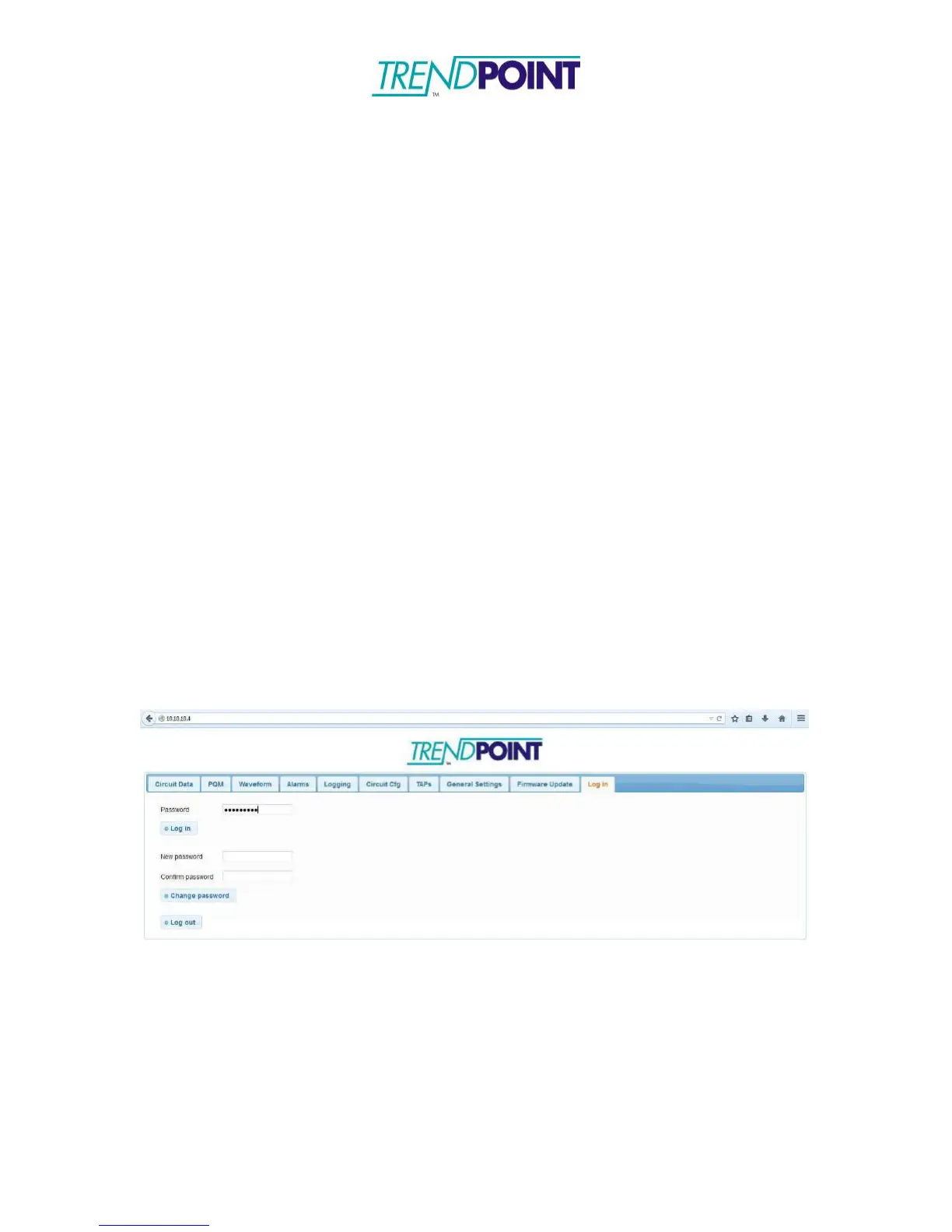
Open your web browser of choice and enter the IP address of the meter
into the URL bar and click Enter.
o
You will be brought to the web interface and prompted to enter a
password (Default: adminpass). Enter the password and click Log in.
o
In the Firmware Update tab, you can choose which processor (System or
3 Phase Meter) you want to load a new firmware onto.


 To Next Page