Enkapsis & EnerSure Platform Installation Guide Rev07.2
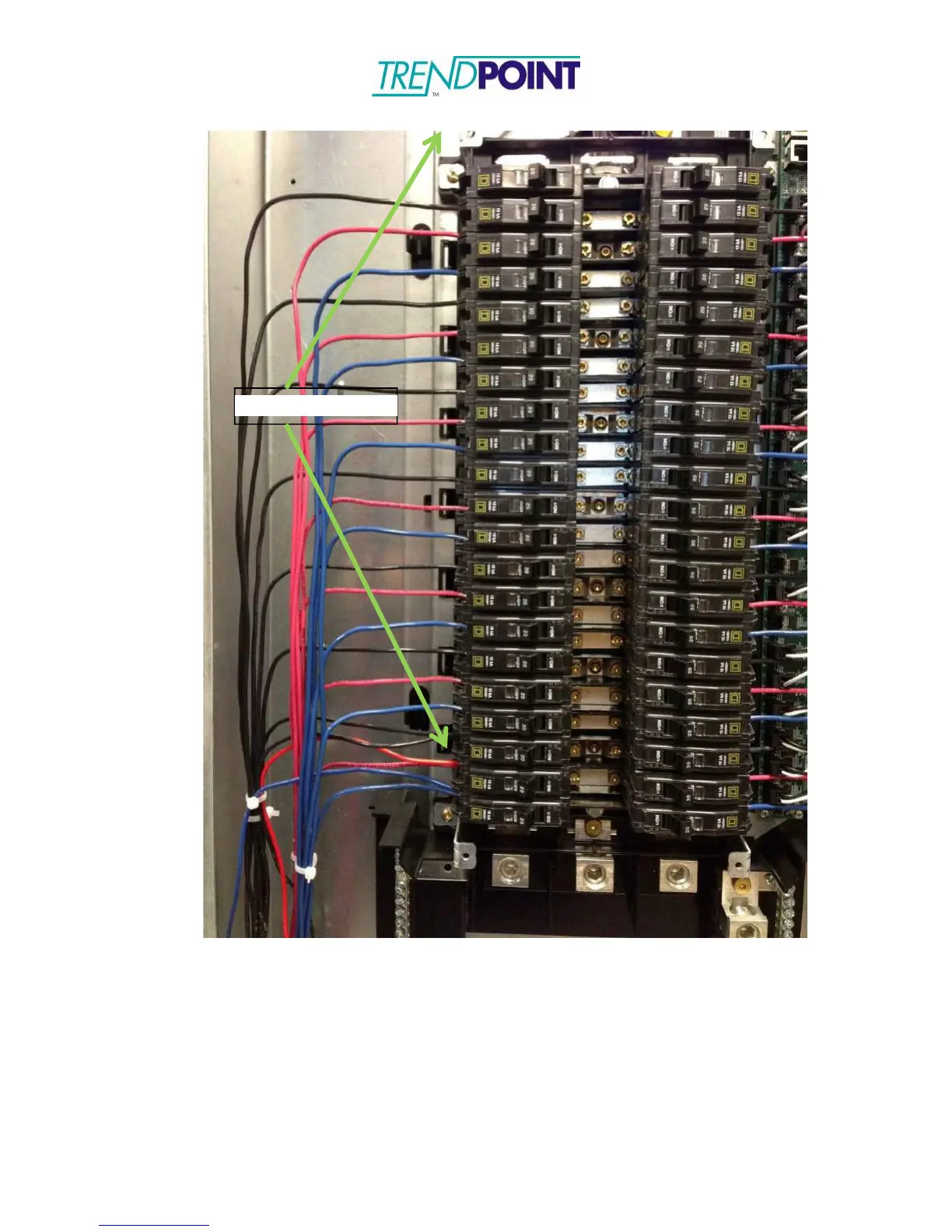
Figure 16: IBCPM PCB Mounting Screws
3.) Each iBCPM PCB requires an address to be designated. To address the card, use
the 10 position selector (Figure 17) switches on the IBCPM PCB. The IBCPM
PCB should be set to an address between 1 and 8. The following page, page 33 of this
installation guide contains an Address Matrix to indicate the address selection and the
relation to the circuit numbers.


 To Next Page