Enkapsis & EnerSure Platform Installation Guide Rev07.2
Using the Web Interface
o
Open your web browser of choice and enter the IP address of the
Enkapsis PQM into the URL bar and click Enter.
o
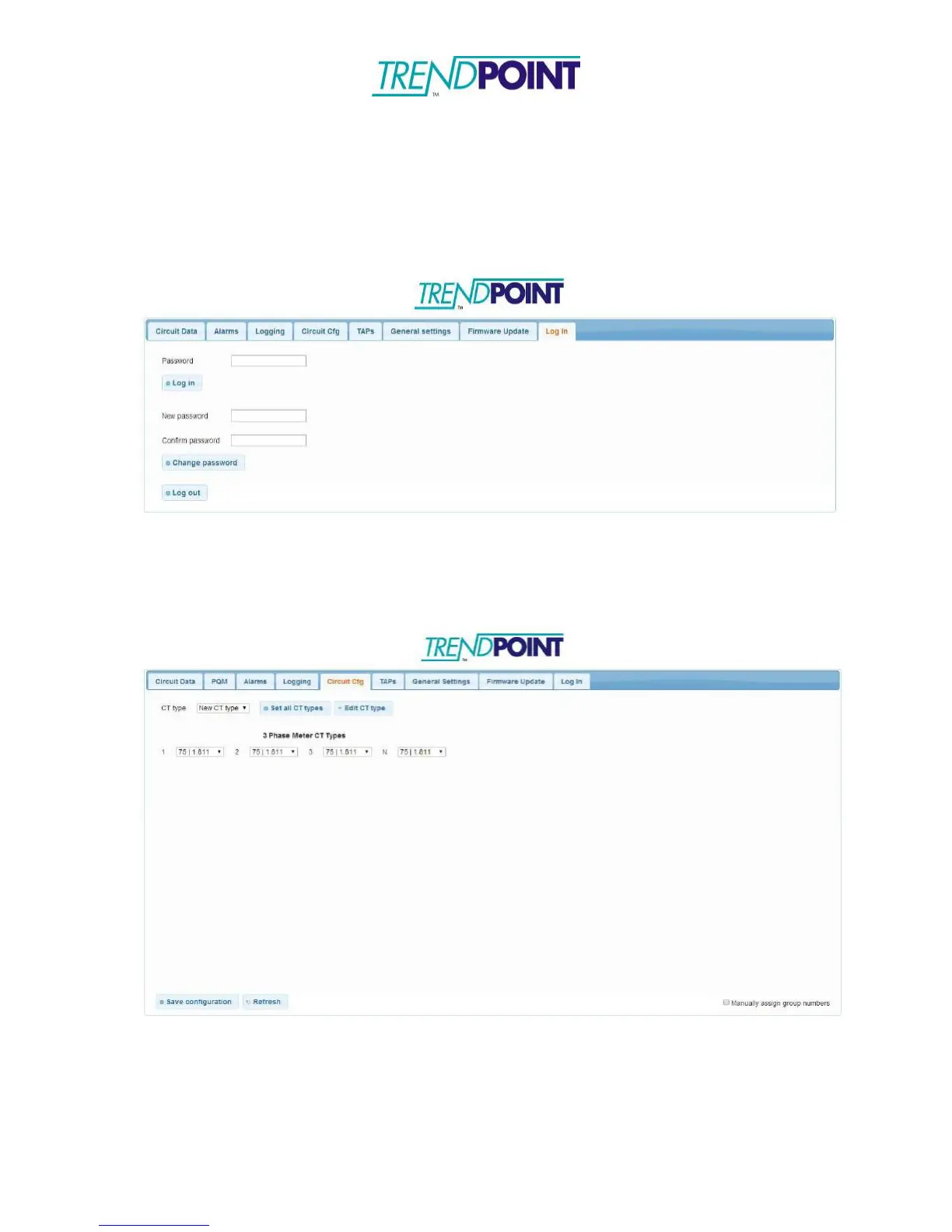
You will be brought to the web interface and prompted to enter a
password (adminpass). Enter the password and click Log in.
o
The Enkapsis PQM web interface allows you to change the IP settings as
well as upload new firmware
o
From the Circuit Cfg tab, circuit groupings can also be assigned.
Checking the Group Circuits box between circuits will group the circuits
together. Click Save Configuration when finished.
Above – Circuit Cfg for Enkapsis PQM


 To Next Page