Enkapsis & EnerSure Platform Installation Guide Rev07.2
o
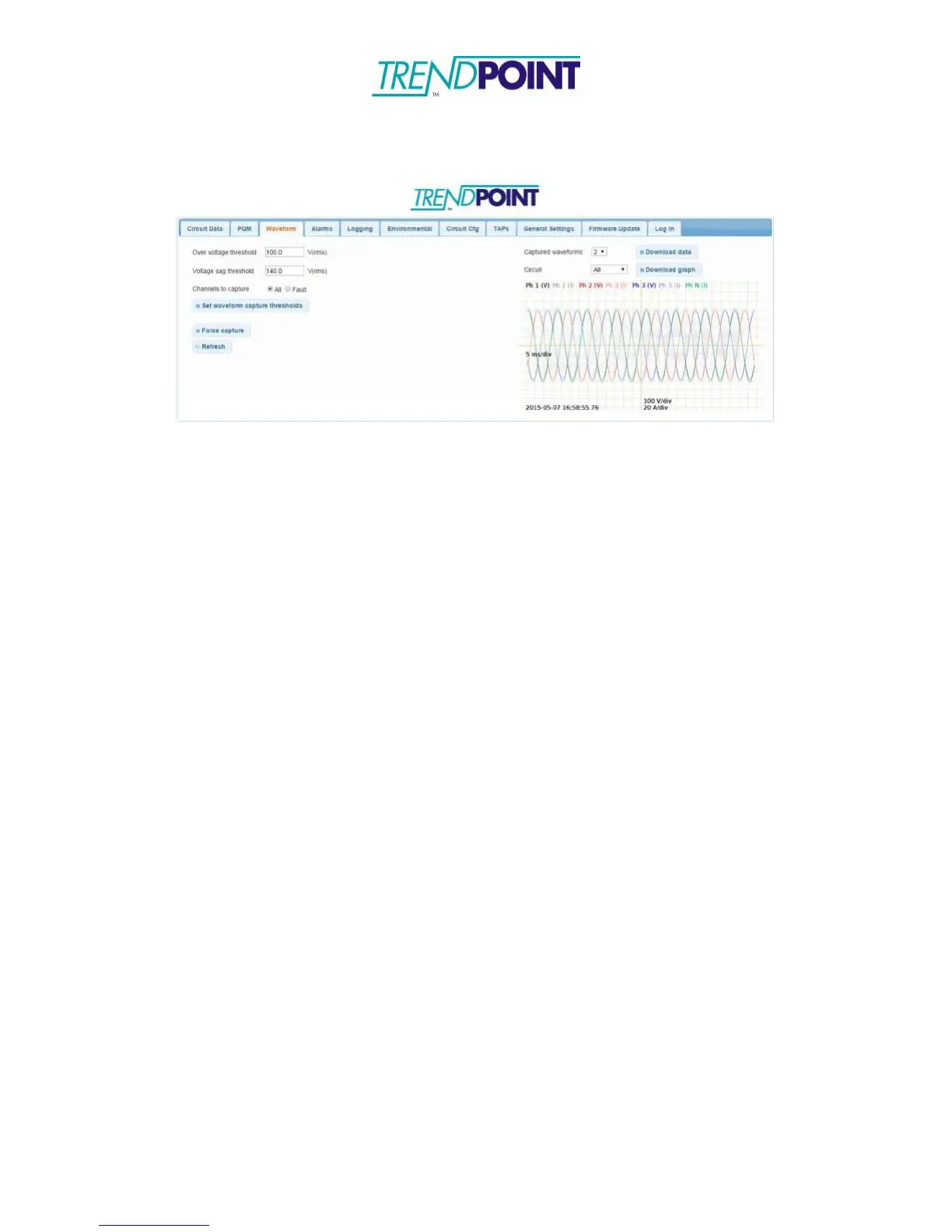
Clicking Force capture will force the Enkapsis to capture the
current waveform.
o
There are 3 ways to view the waveform data.
o
View graph: This option will display the selected captured
waveform directly in the web interface.
o
Download graph: This option will generate download an image of
the captured waveform. This is the same image as is displayed on
the web interface.
o
Download data: This option will download a .csv file with all the
data from the captured waveform. This data can then be used to
generate graphs.
*Note: View graph and Download graph will display all data from the
captured waveform on the same graph. Use Download data to create graphs
that only show specific data.


 To Previous Page