11 Event Marker Input and 1PPS Output
118 5700/5800 GPS Receiver User Guide
5700 Operation
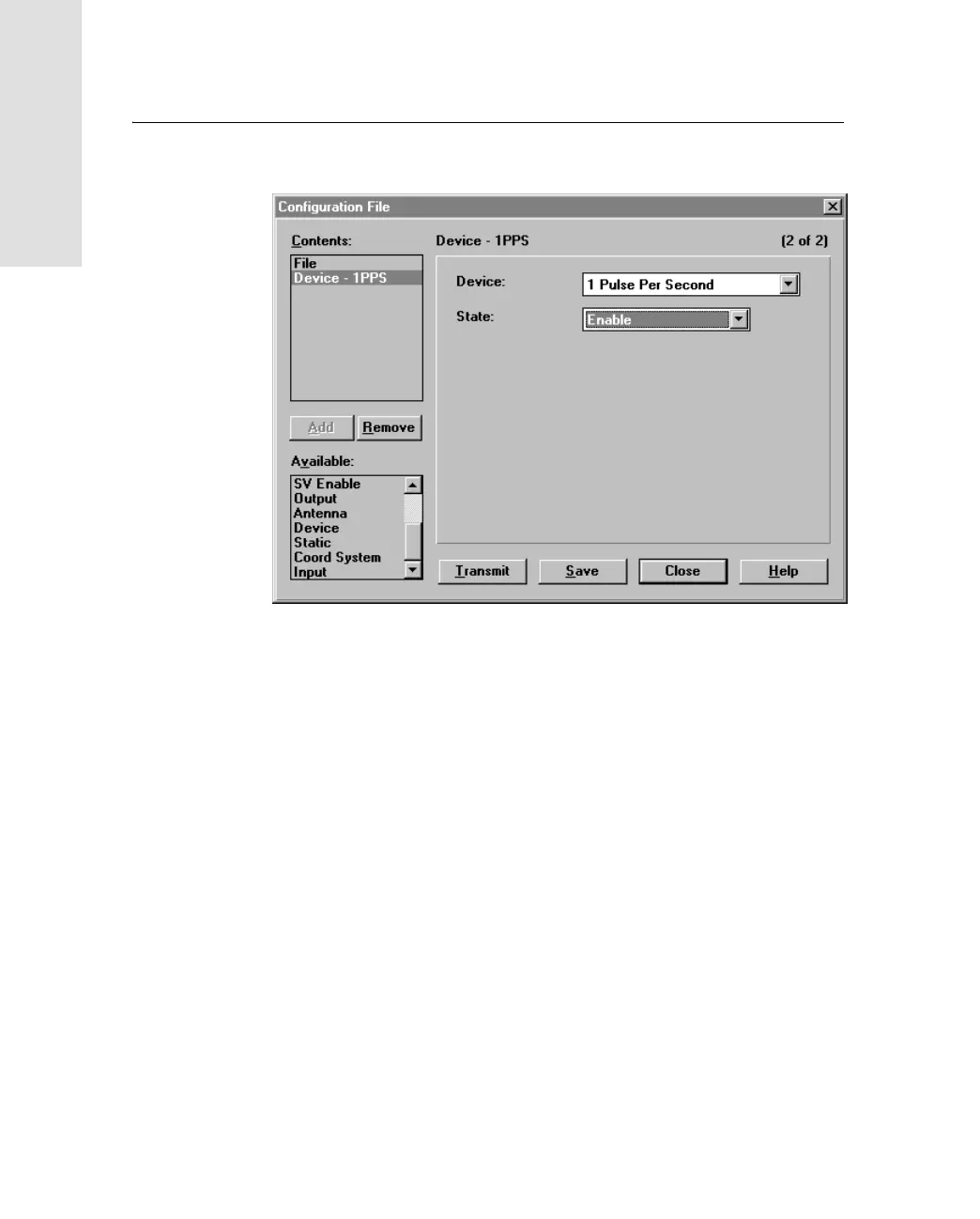
7. From the State field, select Enable:
8. If you want to save the application file to your computer, click
Save.
9. Click
Transmit to send the application file to the connected
receiver. The message
Communicating with receiver
appears,
followed by a message box giving details of the success or
failure of the transfer.
10. Click
Close to exit the Configuration File dialog.
11. If you have not saved the application file, a message appears,
prompting you to save your changes.
12. Select File / Exit to close Configuration Toolbox.



 To Next Page