3 Setting up the Receiver
22 5700/5800 GPS Receiver User Guide
5700 Operation
3.1
Introduction
This chapter provides general setup information, connection
information, and cabling diagrams for the most common uses of the
5700 receiver.
3.2
Parts of the Receiver
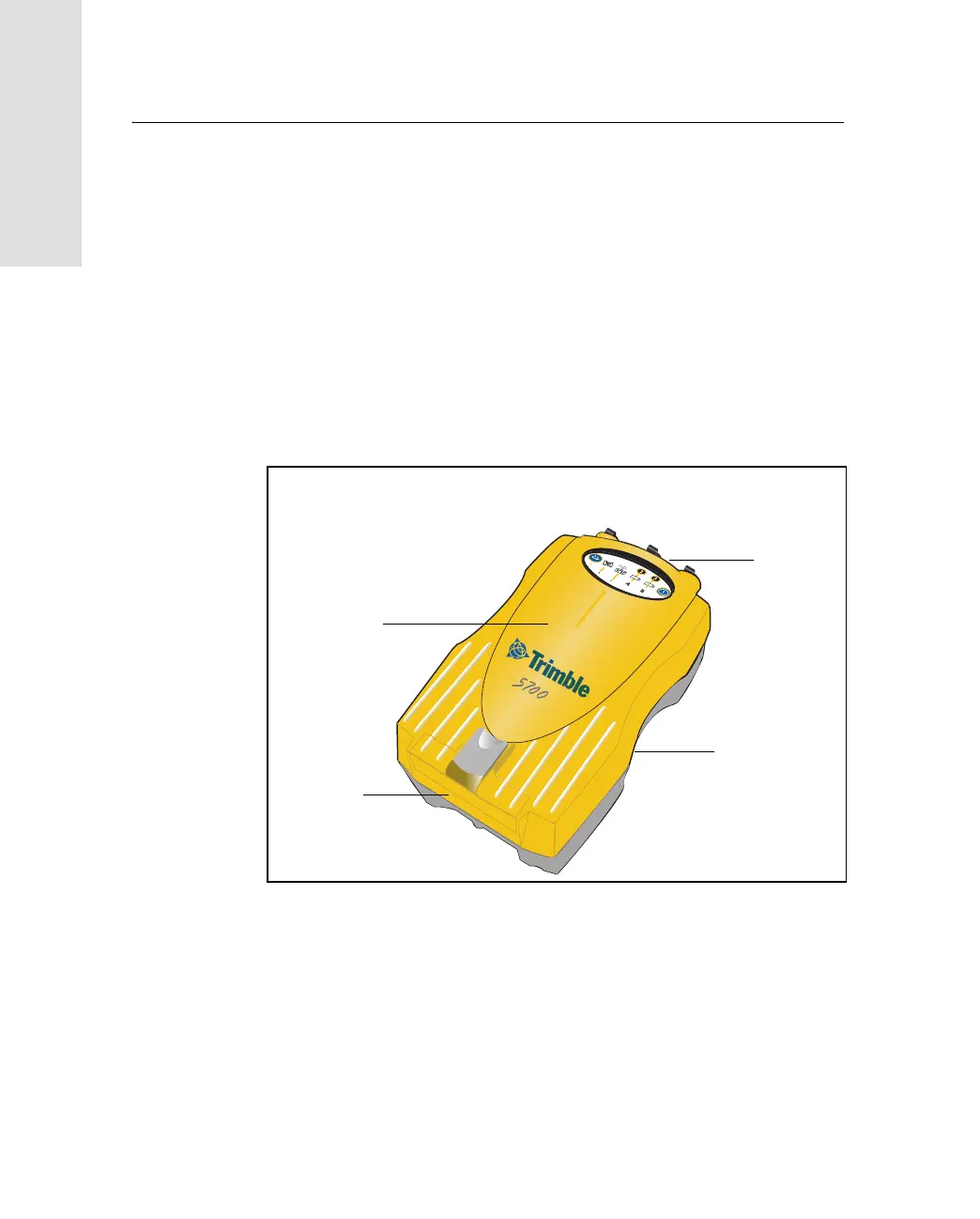
All operating controls, ports, and connectors on the 5700 receiver are
located on its four main panels, as shown in Figure 3.1. This section
provides a brief overview of the features of each of these panels.
Figure 3.1 Panels on the 5700 receiver
Bottom
panel
Top
panel
Front
panel
Rear
panel



 To Next Page