14 General Operation
136 5700/5800 GPS Receiver User Guide
5800 Operation
14.1
Introduction
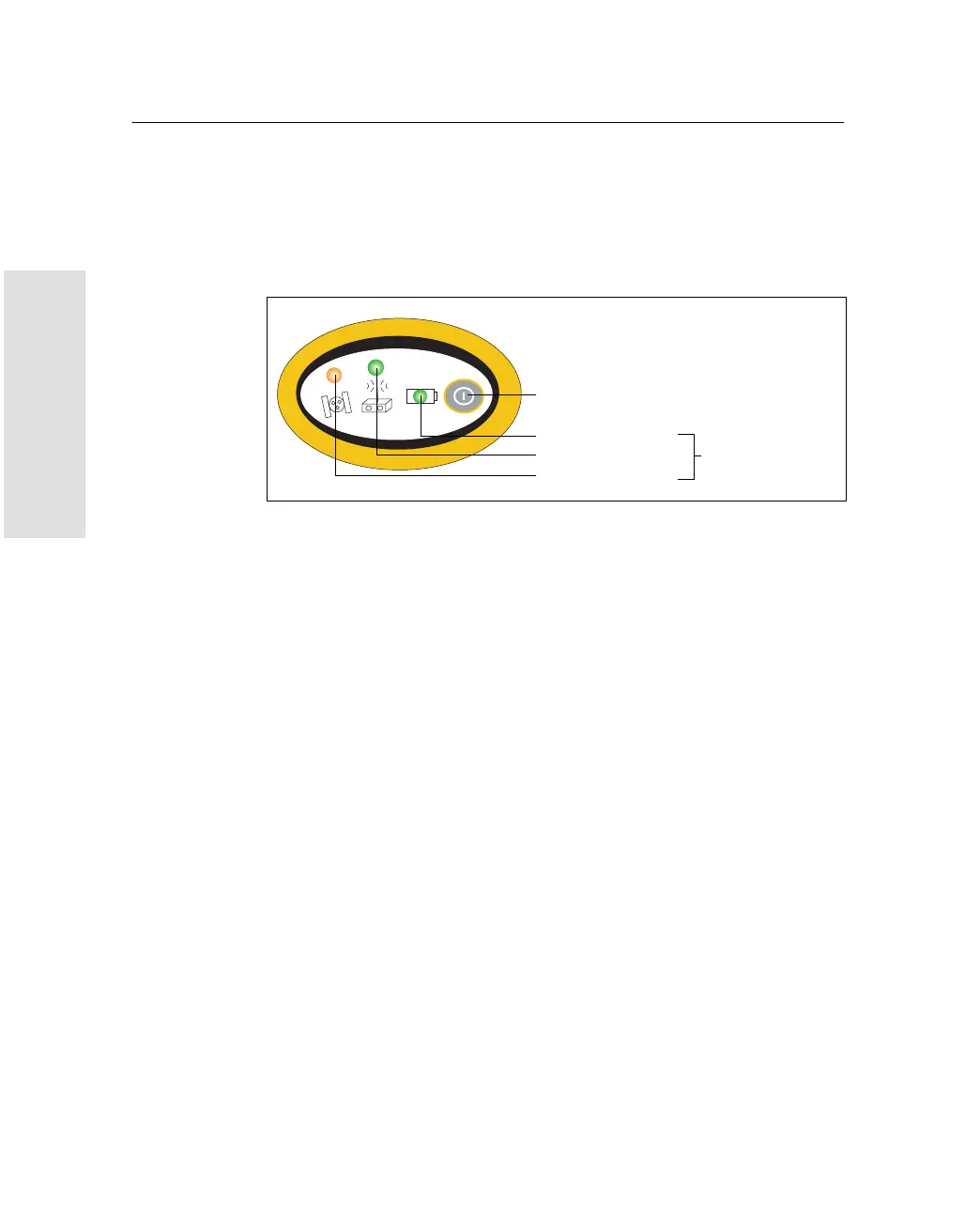
Figure 14.1 shows the 5800 receiver front panel controls for the
power on/off functions, or receiver reset. The LEDs provide
power, radio, data logging, and SV tracking status information
.
Figure 14.1 Controls and LEDs on front panel of the 5800 receiver
F
Power button
SV Tracking
Radio
Power/Data status
LEDs



 To Next Page