5700/5800 GPS Receiver User Guide 153
Software Utilities 16
5800 Operation
5. Check that the receiver is using the transferred application file.
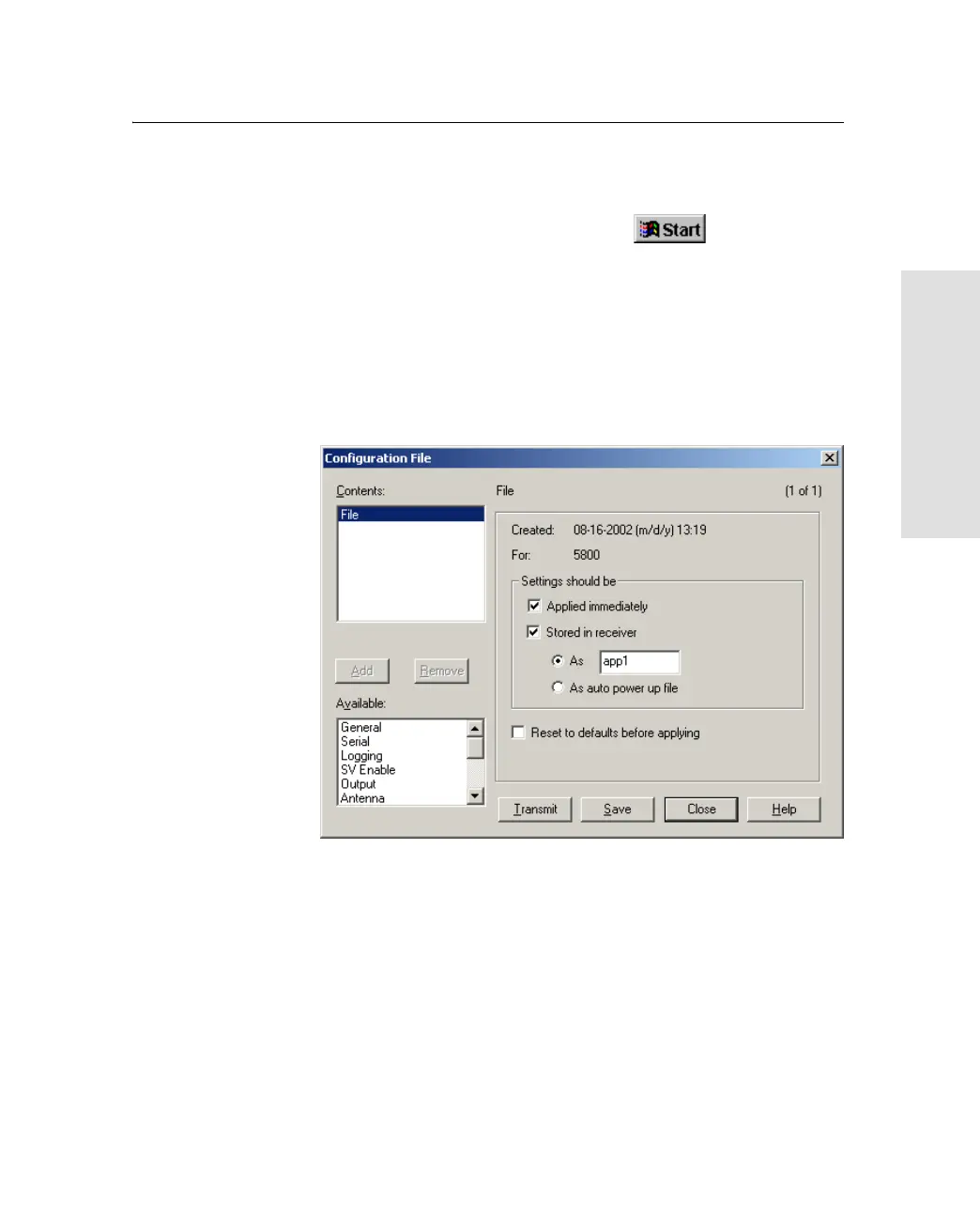
To create and save an application file to the receiver:
1. To start Configuration Toolbox, click , then select
Programs / Trimble / Configuration Toolbox / Configuration
Toolbox.
2. Select File / New / 5800.
3. Specify the receiver settings (for specific information, refer to
the Configuration Toolbox documentation).
4. Use File / Save As to save the application file.



 To Next Page