16 Software Utilities
158 5700/5800 GPS Receiver User Guide
5800 Operation
5. Select Configure Radio and click Next.
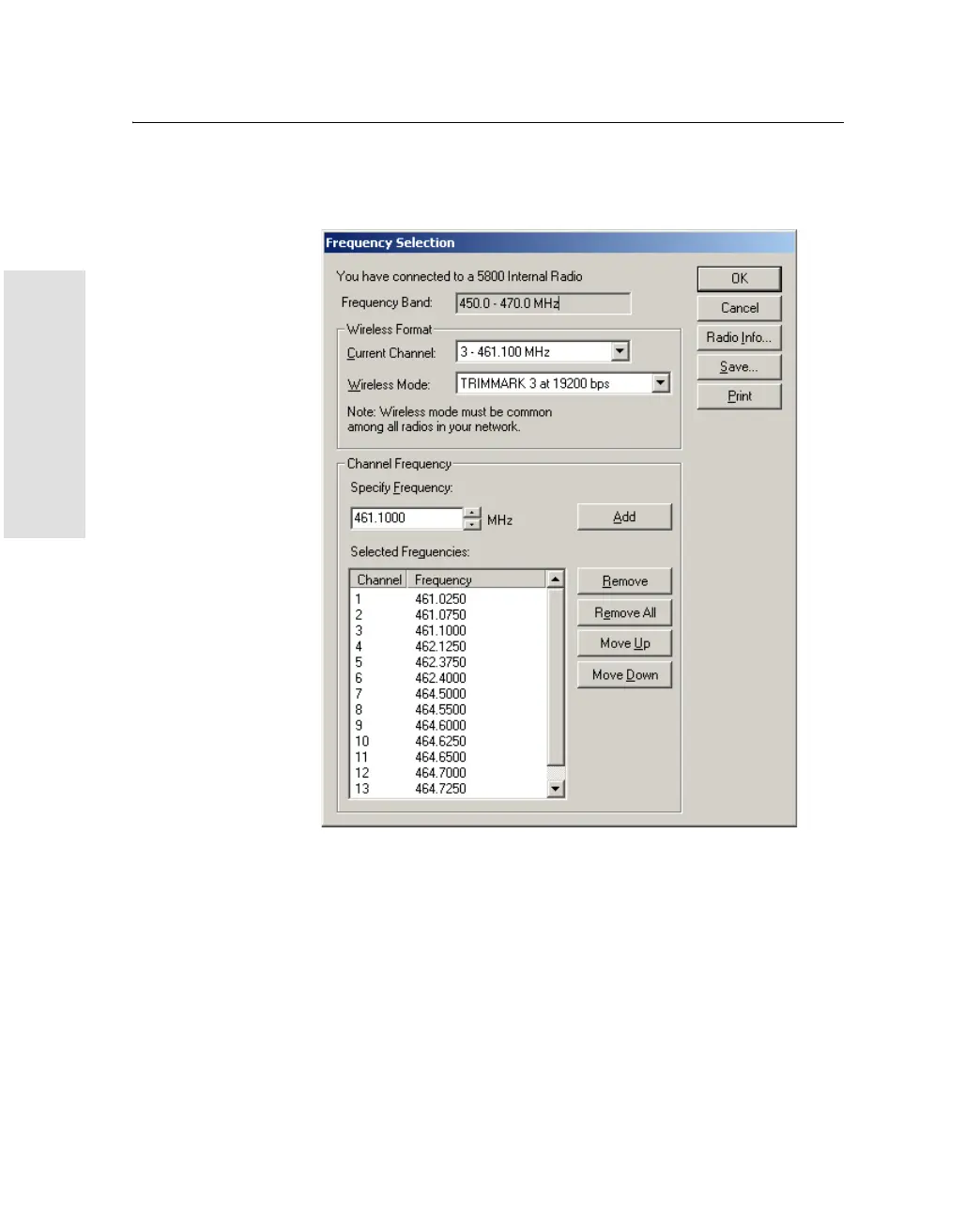
The Frequency Selection window appears:
6. In the Wireless Format group, select the appropriate channel
and wireless mode. The Wireless Mode must be the same for all
radios in your network.
7. In the Edit Frequency field, enter the frequency you require.



 To Next Page