5700/5800 GPS Receiver User Guide 75
Transferring Data 6
5700 Operation
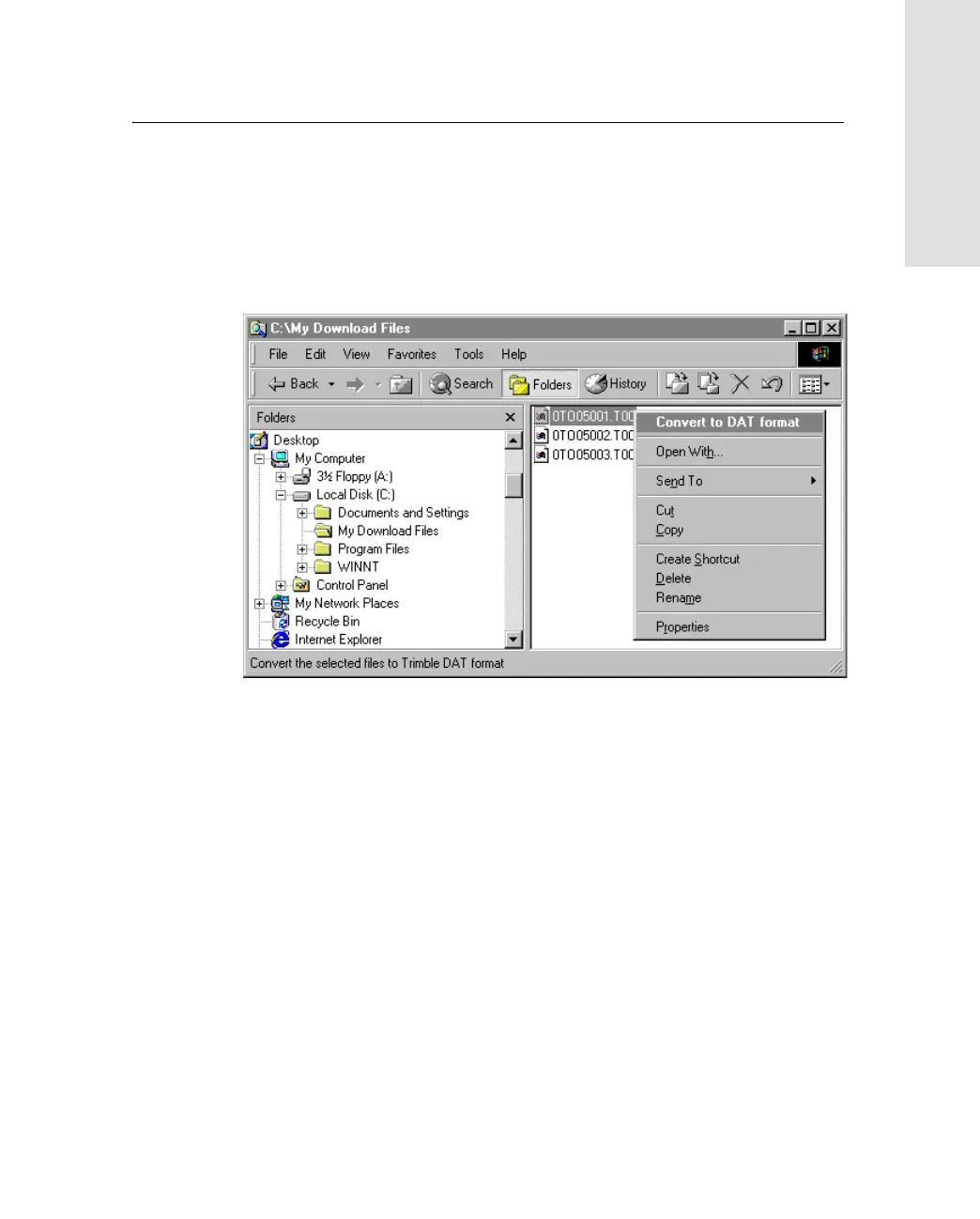
To convert a .T01 file on your office computer into the DAT format:
1. On your office computer, open Windows Explorer and navigate
to the location of the .T01 file.
2. Right-click the file, and from the menu that appears select
Convert to DAT format:
The DAT File Conversion dialog appears while the file is
converted. When the dialog disappears, the file conversion is
complete.
A new file with the same filename but a .dat extension appears
in the same folder as the .T01 file.



 To Next Page