5700/5800 GPS Receiver User Guide 81
Software Utilities 7
5700 Operation
5. Check that the receiver is using the transferred application file.
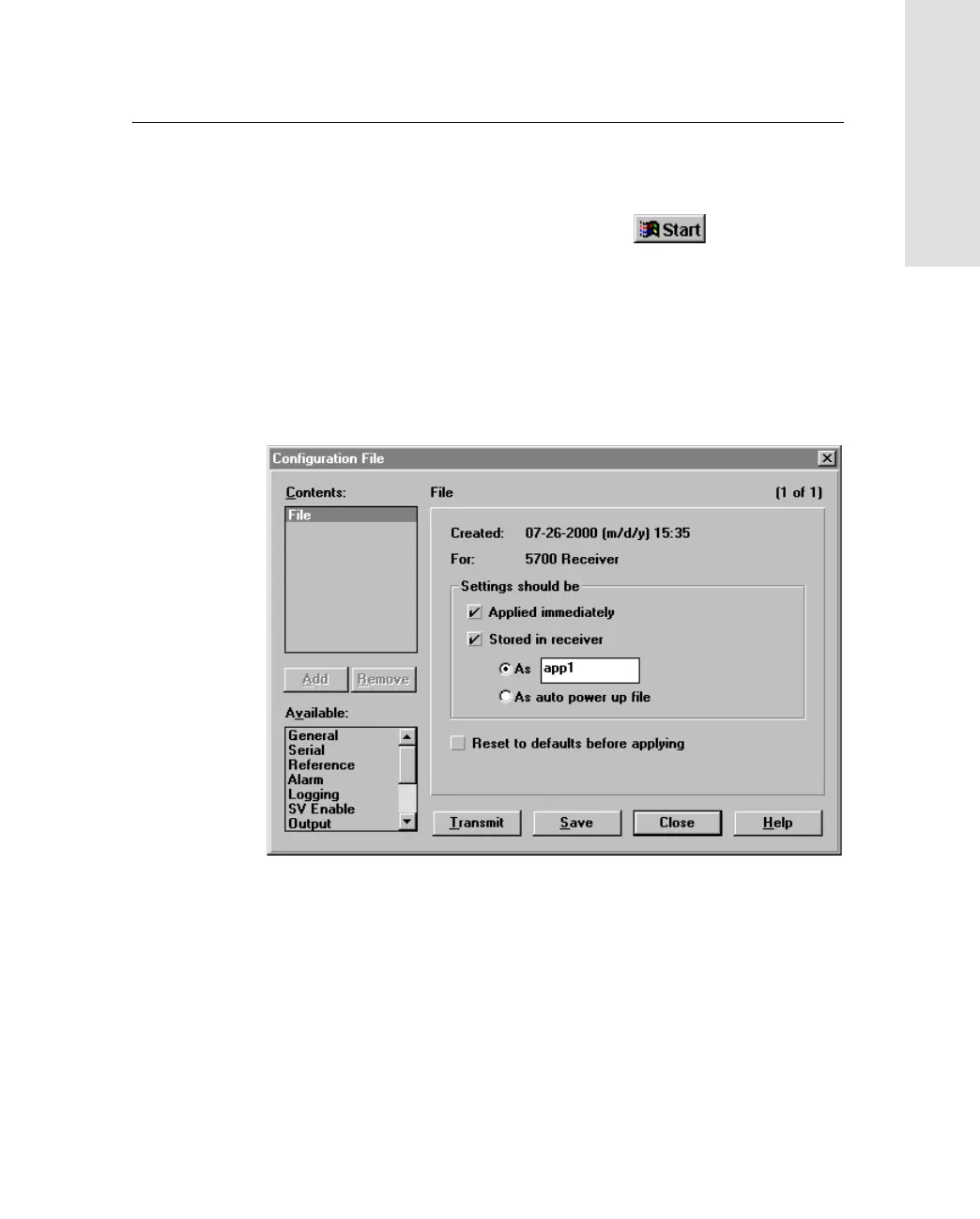
To create and save an application file to the receiver:
1. To start Configuration Toolbox, click , then select
Programs / Trimble / Configuration Toolbox / Configuration
Toolbox.
2. Select File / New / 5700.
3. Specify the receiver settings (for specific information, refer to
the Configuration Toolbox documentation).
4. Use File / Save As to save the application file



 To Next Page