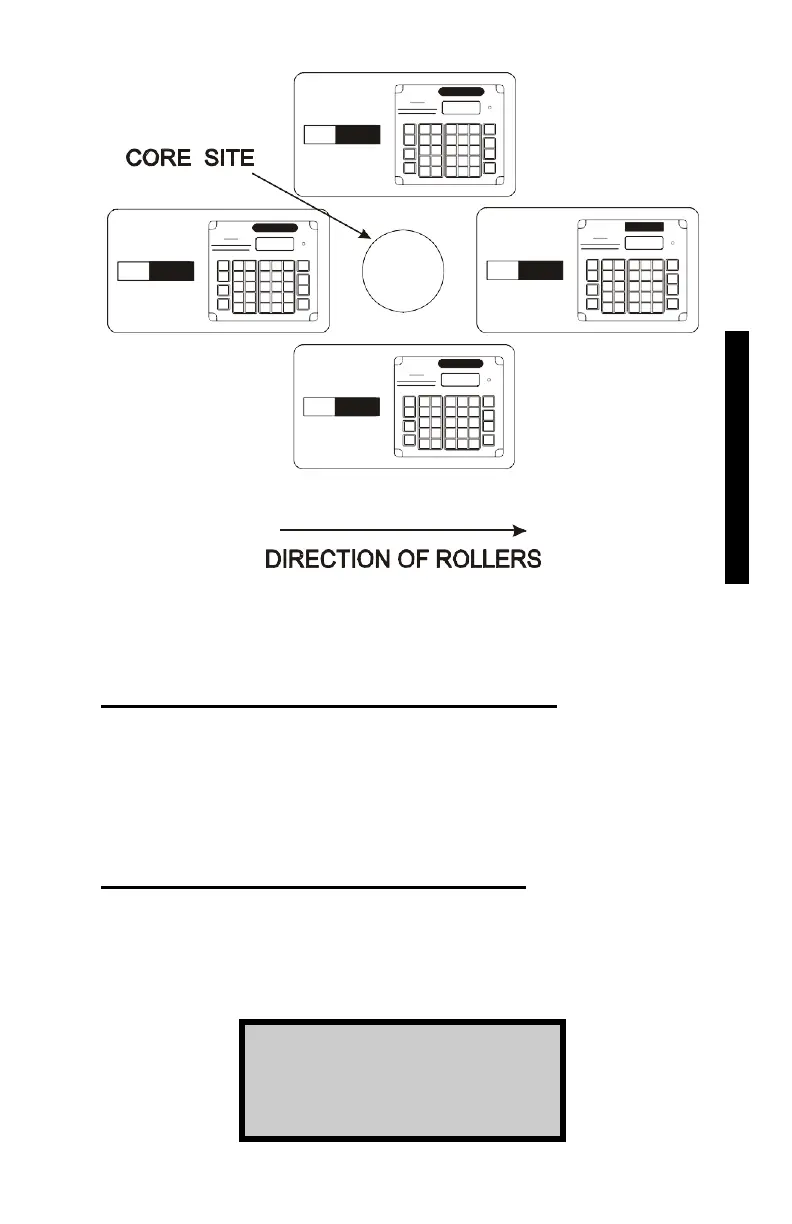
Figure 6–2. Taking Measurements Around a Core Site
Disable a Thin Layer Special Calibration
To disable the last enabled thin layer special calibration, press 〈2〉 at
the Thin Lift Special menu. The gauge disables the last enabled thin
layer special calibration and returns to the Ready screen.
View a Thin Layer Special Calibration
Use the arrow keys to scroll through the thin layer special
calibrations. When the gauge displays the thin layer special
calibration to be viewed, press
〈3〉. The gauge displays:
B1 Val = xxxx
B2 Val = xxxx
Press ENTER
6. OFFSETS & CALIBRATIONS











 To Next Page