SET UNITS (SPECIAL KEY)
The Model 3450 can display measurement results in either metric
(SI) or U.S. units. To set the units, press
〈8〉 Set Units at the Gauge
Setup menu shown on page
3–9.
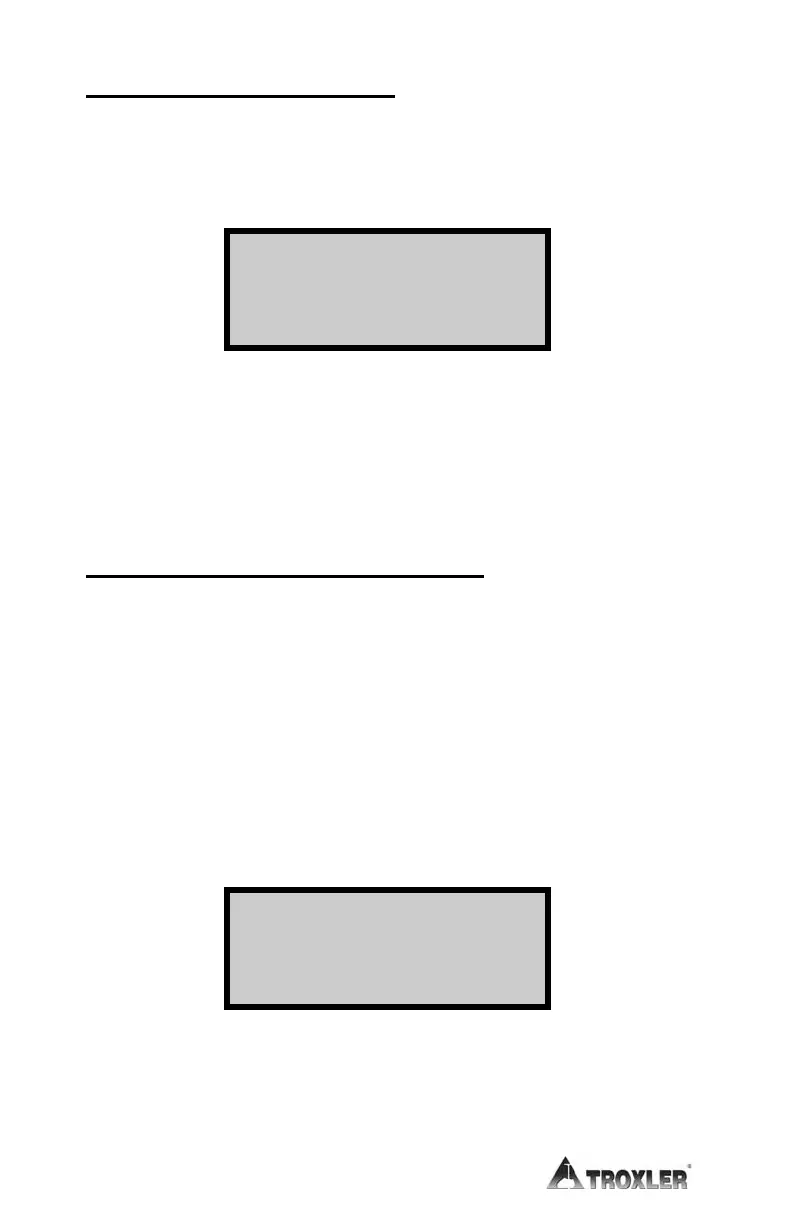
The gauge displays the current units on the first line. Select the new
units using the corresponding number key.
The gauge displays the new units, then returns to the Gauge Setup
menu. Return to the Ready screen by pressing the 〈ESC〉 key.
CUSTOMER NAME (SPECIAL KEY)
The Model 3450 can store a customer name or other messages up to
20 characters. To enter a customer name, press
〈9〉 at the Gauge
Setup menu shown on page
3–9.
The Customer Name option requires the access code shown on page
xi.
At the gauge prompt, use the number keys to enter the access
code.
The gauge displays the current customer name on the second line.
To change the customer name, press the
〈YES〉 key.
1- pcf
2-
kg/m3
3-
g/cm3
More Roads Const.
Do You Want To
Change Name?











 To Next Page