THIN LAYER SPECIAL CALIBRATION
The Thin Lift Special Calibration function allows the operator to re-
calibrate the gauge for materials not covered by the factory
calibration. Once a special calibration is enabled, it remains active
until the gauge is turned off, or until another calibration is enabled.
The thin layer special calibration uses the average of 3 to 20
measurements. Troxler recommends averaging one-minute readings
taken on a test site (see Figure 6–1 on page 6–13) or around a core
site (as shown in Figure 6–2). This average and the density obtained
by another method (such as core samples) are used to re-calculate
the gauge constants.
To access the Thin Lift Special functions, press the 〈SPECIAL〉 key.
At the Special functions menu, press
〈1〉 Special Operation. At the
Special Operation menu, press
〈2〉 Thin Lift Special. The gauge
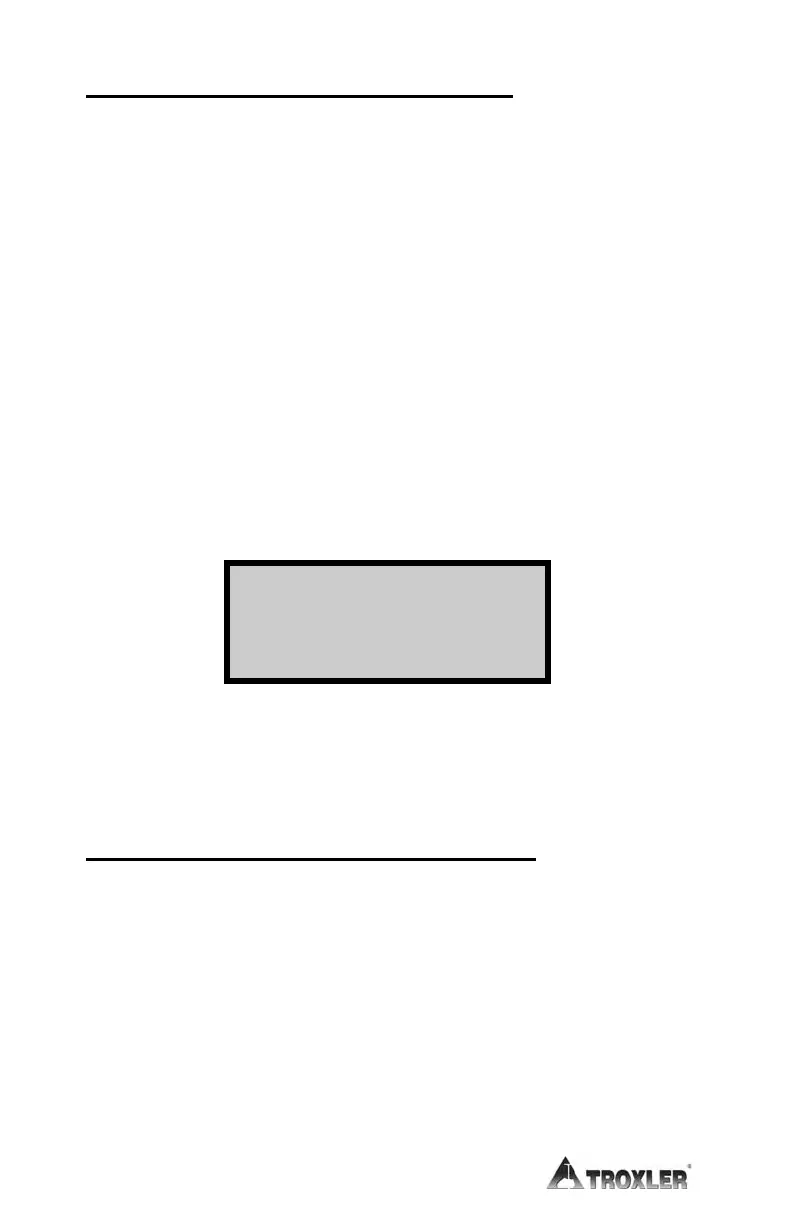
displays the Thin Lift Special menu:
The gauge displays a thin layer special calibration on the first line, if
one exists in gauge memory. The following text provides details on
the Thin Lift Special function.
Enable a Thin Layer Special Calibration
Use the arrow keys to scroll through the thin layer special
calibrations. When the gauge displays the thin layer special
calibration to be enabled, press
〈1〉.
NOTE:
The 3450 gauge must be in Thin Layer mode to enable a
thin layer special calibration.
The gauge enables the selected thin layer special calibration and
returns to the Ready screen.
1-Enable Thin Spec
2-Disable 4-New
3-View 5-Erase











 To Next Page