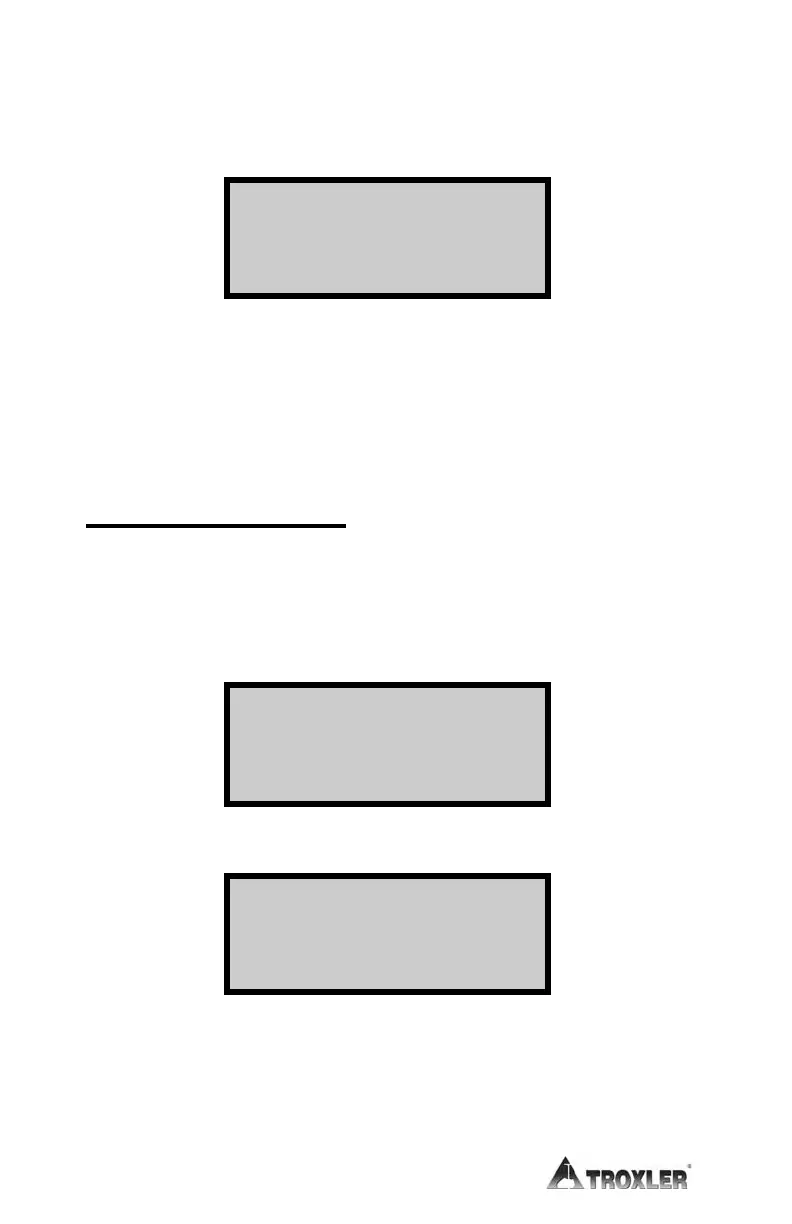
The gauge displays the date entered for the last leak test. To return
to the Ready screen, press the
〈NO〉 key. To change the leak test
date, press the
〈YES〉 key.
The gauge displays mm/dd/yy on the second line. To enter a date for
the most recent leak test for this gauge, use the numeric keys. When
the second line displays the most recent leak test for this gauge,
press the
〈ENTER〉 key. The gauge updates the leak test date and
returns to the Ready screen.
LEAK TEST INTERVAL
The leak test interval and leak test date values are used to alert the
operator when a leak test is due. To change the leak test interval,
press the
〈SPECIAL〉 key. Press 〈4〉 Gauge Setup. Use the arrow
keys to scroll down to the following display:
Press 〈.〉 then 〈1〉 Leak Test. The gauge displays:
The default value for the leak test interval is 183 days (six months).
Enter the desired number of days and press
〈ENTER〉. The gauge
returns to the Gauge Setup menu. Press
〈ESC〉 to return to the
Ready mode.
mm/dd/yyyy
Change Leak
Test Date?
.0-
Change User Code
.1-
Leak Test
Press ESC To
Exit
XXX
Days
Input # of Days
Then Press
ENTER











 To Next Page