Print QA Sample Locations
For details on printer setup, see page 3–13. To print the current QA
sample positions, press
〈3〉 at the QA Sampling menu. The gauge
displays Printing Positions. After printing the QA sample
locations, the gauge returns to the QA Sampling menu. Return to the
Ready screen by pressing the
〈ESC〉 key.
NUMBER AVERAGES (SPECIAL KEY)
The Number Averages function allows averaging of up to nine
readings from a single test location when testing thin layer asphalt.
This function is used only when the gauge is measuring in thin layer
mode. When the gauge is using this function, it automatically
prompts for repositioning of the gauge from a test location and
begins another measurement. After all measurements have been
completed, the gauge calculates the average density of the test
material. When taking counts on thin layer asphalt, Troxler
recommends averaging four one-minute readings (see the Thin
Layer Mode section on page 4–14).
To access the Number Averages function, press the 〈SPECIAL〉
key. At the Special functions menu, access the Special Operations
menu by pressing
〈1〉. At the Special Operation menu, press 〈3〉
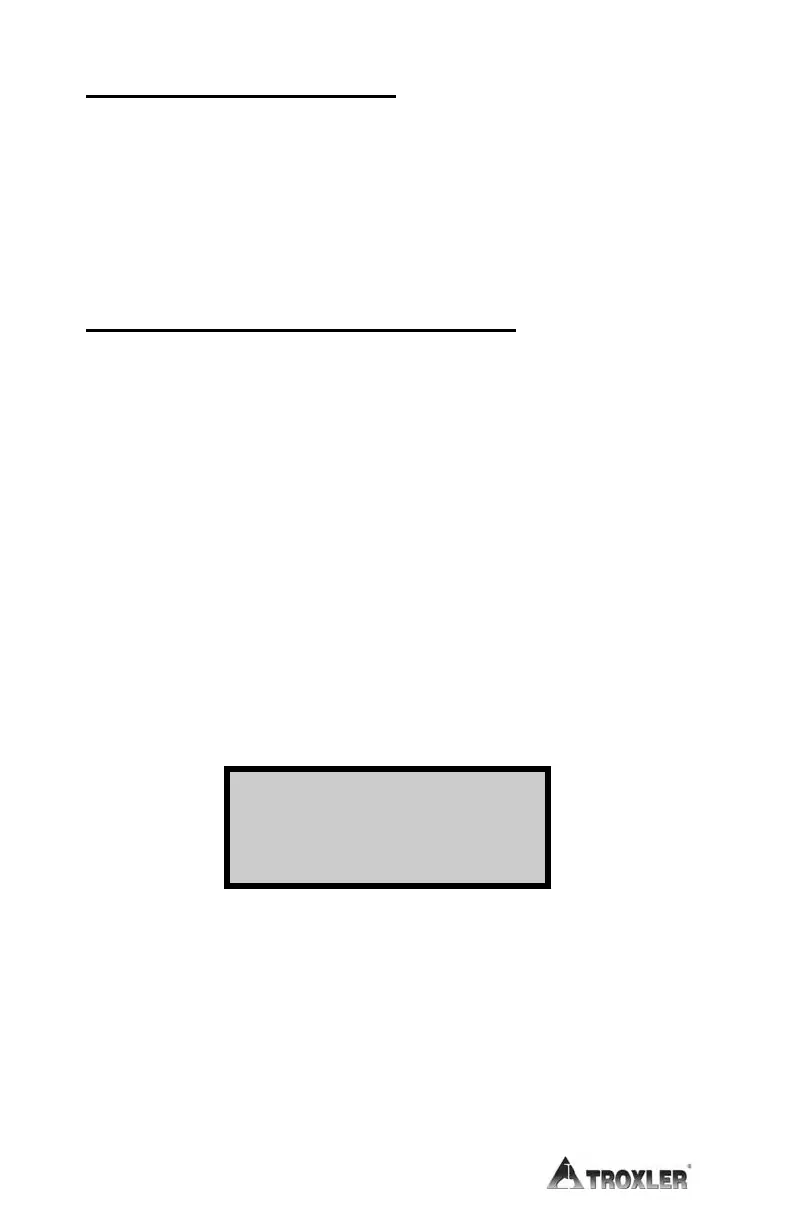
Number Averages. The gauge displays:
Enter the desired number of readings (1 through 9) for the gauge to
average. Press the
〈ENTER〉 key. The gauge sets the number of
readings and returns to the Ready screen.
Lift
Averages:
_
Then Press ENTER











 To Next Page