THIN LAYER MODE
To measure the density of thin layer asphalt, follow the steps below.
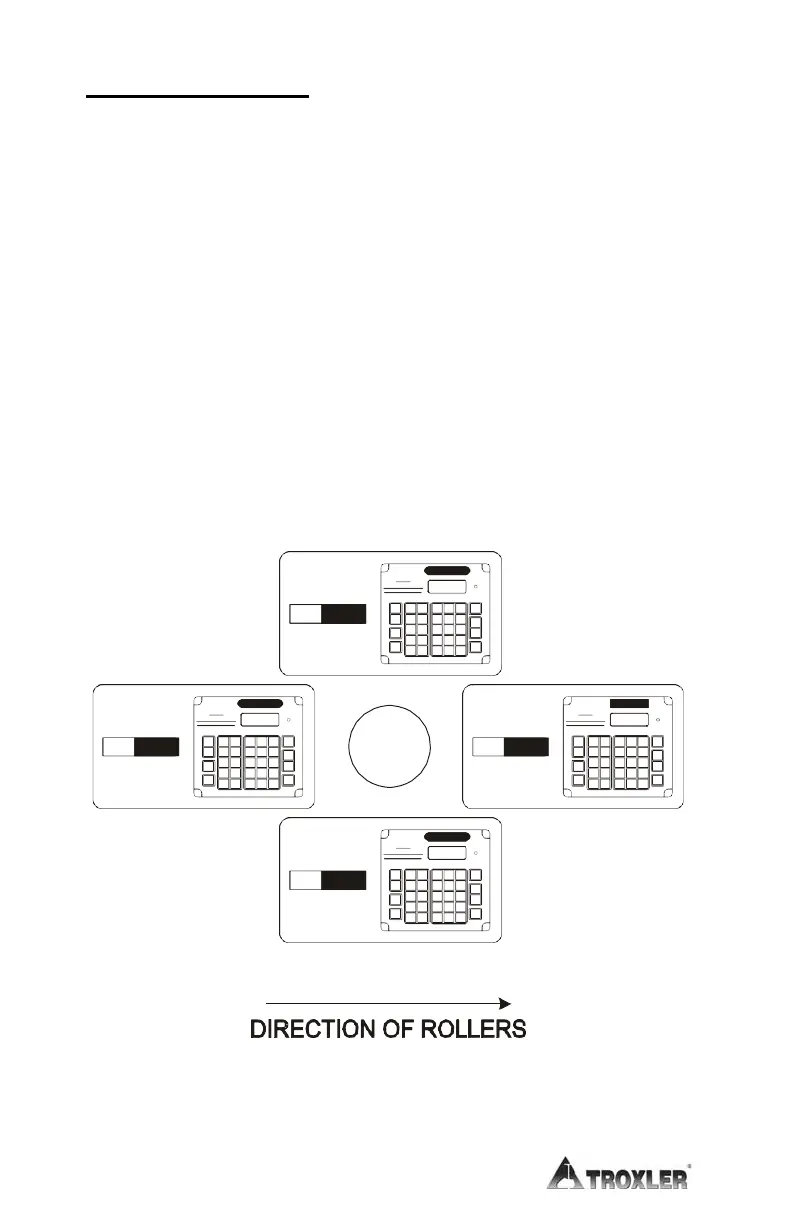
When taking counts after a core has been removed, Troxler
recommends averaging four one-minute readings taken around the
core site, as shown in Figure 4–4. If no core has been removed,
place the gauge over the test site, as shown in Figure 4–5.
✓
Select the Thin Layer mode (see page 3–23).
✓
When the Thin Layer mode is selected, the gauge prompts the
operator for the overlay thickness (see page 3–23). To enter a
new overlay thickness, use the numeric keys and press the
〈ENTER〉 key when finished.
✓
If desired, enter or enable the Marshall value, voidless density
value, or Marshall value/voidless density pair (see page 3–19).
Figure 4–4. Gauge Positioned Around a Core Site
(If Core Has Been Removed)











 To Next Page