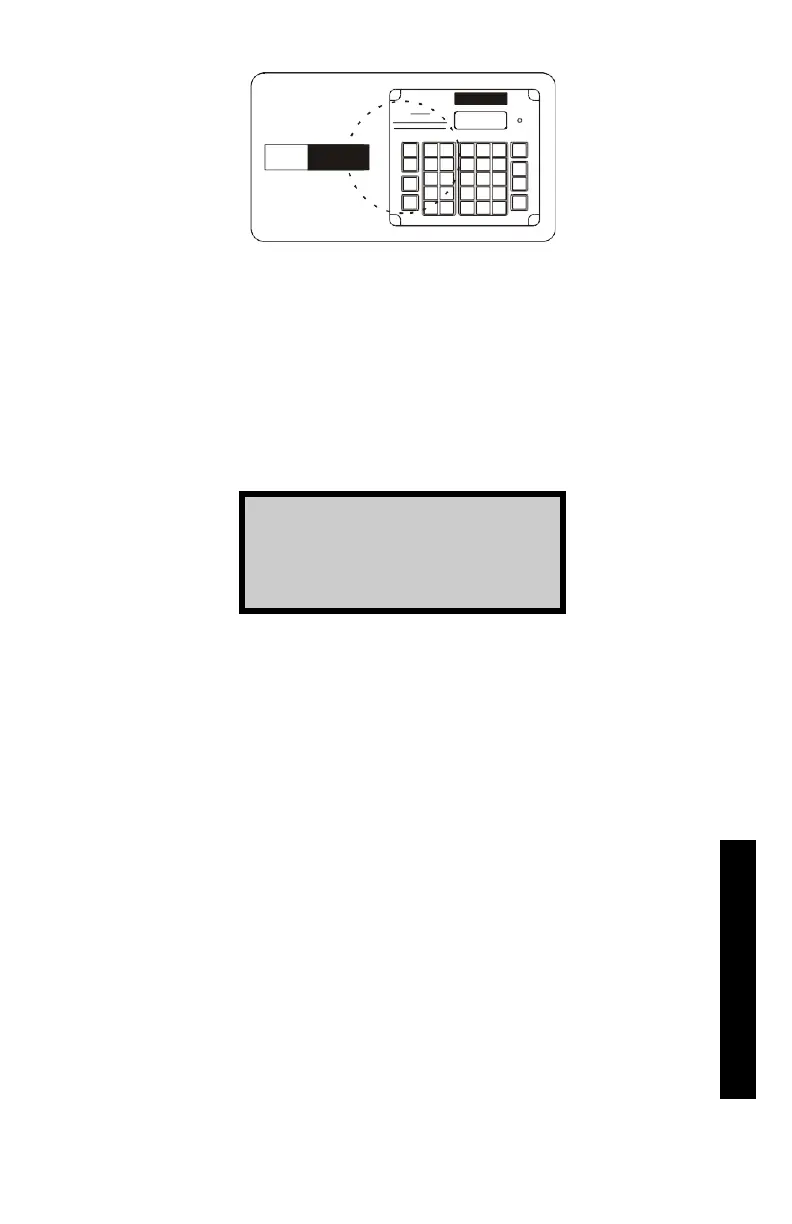
Figure 4–5. Gauge Positioned Over Designated Test Site
✓
Prepare the test site as described on page 4–8 for a backscatter
measurement.
✓
Place the gauge on the test area.
✓
Press the 〈START〉 key.
✓
Lower the source rod to the backscatter position. Release the
trigger. Gently tap down on the handle over the source rod to
lock the source into position. You should hear a click when the
source rod locks into position.
✓
Press the 〈START〉 key again when prompted.
✓
The gauge displays a countdown.
NOTE
Prior to countdown, the gauge may display Please Wait
for five seconds. This occurs if the baseboard electronics
require warmup prior to starting the measurement.
✓
After the count time, the gauge displays the density (D) and the
density counts. To continue, press the
〈ENTER〉 key.
✓
Reposition the gauge and repeat the above procedure for each
count.
Count 1 of x
Place
in
BS Then
Press
START











 To Next Page