✓
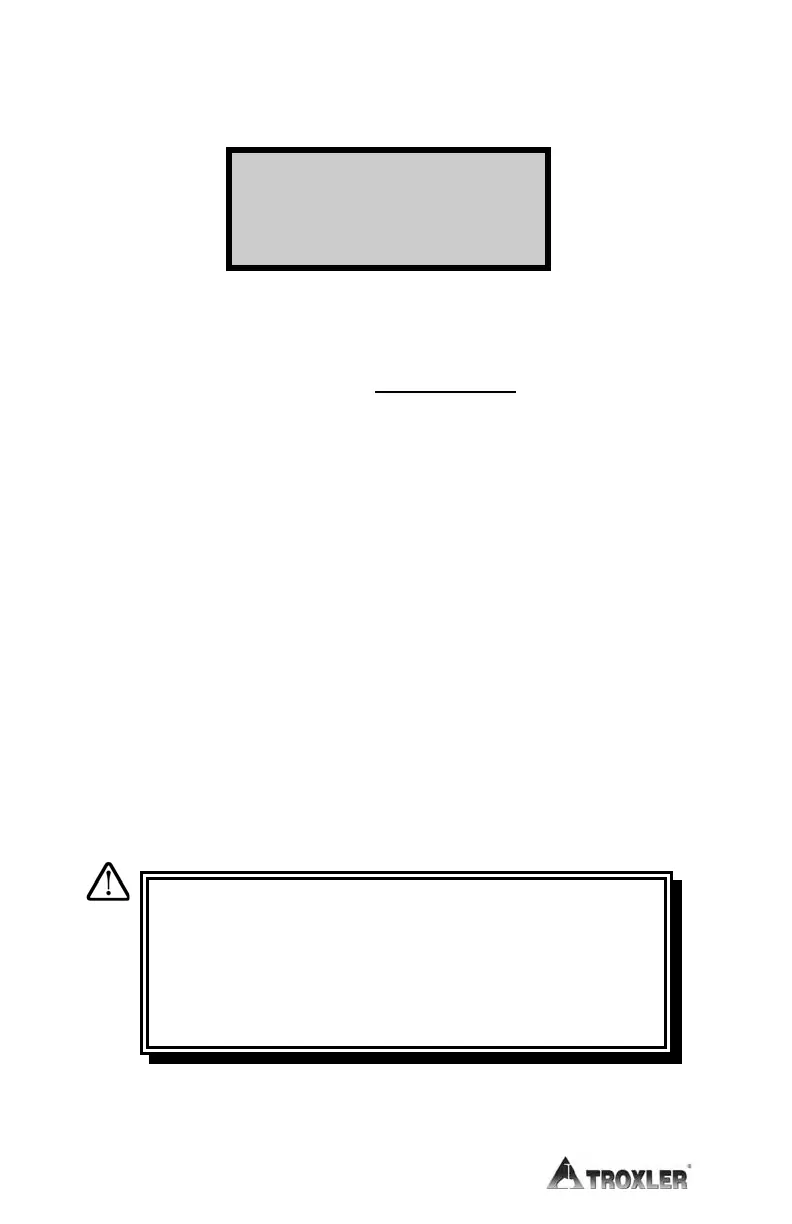
After taking all the counts, the gauge displays the measurement
results.
where: %MA = percent Marshall
D = density
%VOIDS = 100
×
1 – D
VOIDLESS
(displayed only when enabled)
Press the 〈STORE〉 key to store the measurement. To scroll
through the results, use the arrow keys. Return to the Ready
screen by pressing the
〈ESC〉 key or press the 〈START〉 key to
take a measurement.
✓
Lift the gauge from the test site by the source rod handle. This
returns the source rod to the SAFE (shielded) position. When
not taking readings, always keep the source rod in the SAFE
position. If you do not hear a click when the gauge is raised to
the SAFE position, look at the bottom of the gauge to verify
that the tungsten sliding block is completely closed. If the gauge
base opening is not completely closed by the sliding block, the
sliding block may require cleaning. Refer to page A–11 for
cleaning instructions.
D = xxxxx pcf
%VOIDS = xxxxx
WARNING
Do not store or transport the gauge unless the
sliding block is completely closed. Increased
radiation levels may cause excessive personnel
radiation exposure and may violate transportation
regulations.











 To Next Page