The gauge displays a special calibration on the first line, if one
exists in gauge memory. The following text provides details on the
Special Calibration function.
Enable a Special Calibration
Use the arrow keys to scroll through the special calibrations. When
the gauge displays the desired special calibration, press
〈1〉.
The gauge enables the selected special calibration and returns to the
Ready screen.
Disable a Special Calibration
To disable the last enabled special calibration, press 〈2〉 at the
Special Calibration menu. The gauge disables the last enabled
special calibration and returns to the Ready screen.
View a Special Calibration
Use the arrow keys to scroll through the special calibrations. When
the gauge displays the desired special calibration, press
〈3〉. The
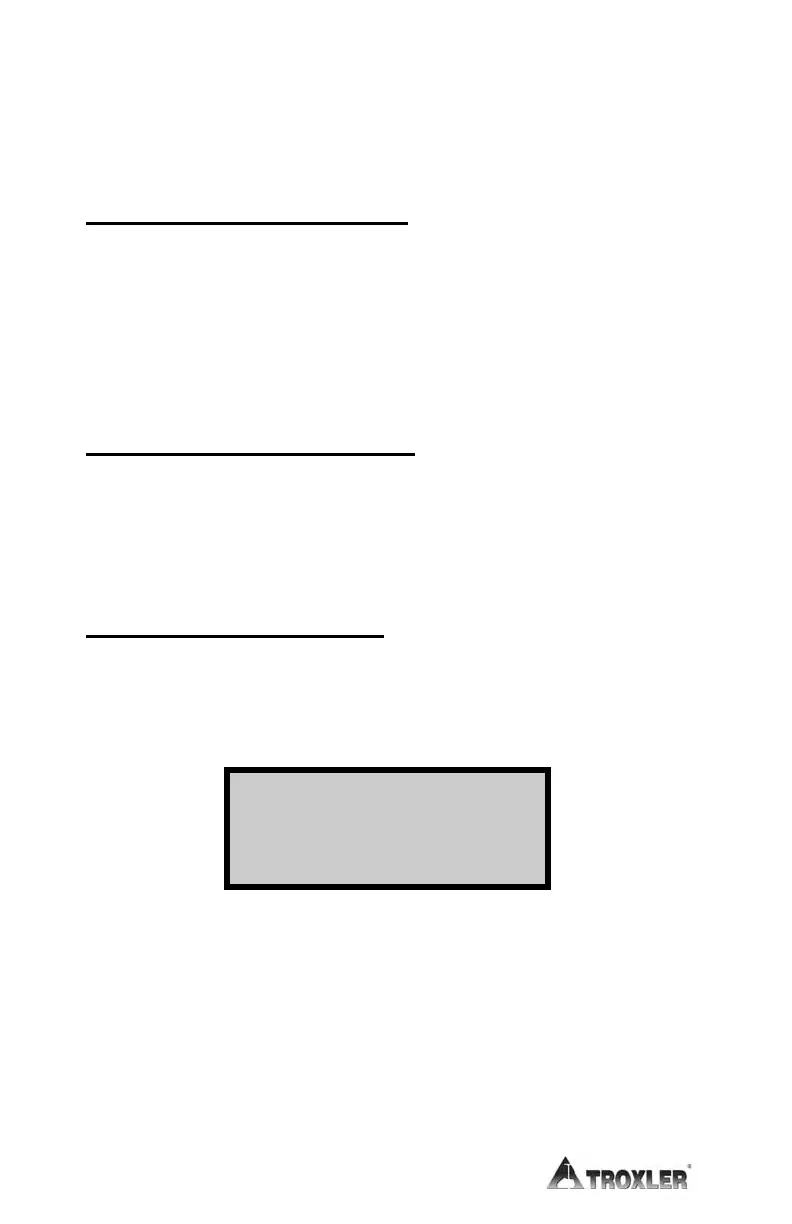
gauge displays:
The gauge displays the special calibration name, depth, and B value.
To return to the Special Calibration menu, press the
〈ENTER〉 key.
Return to the Ready screen by pressing the
〈ESC〉 key.
Depth: xxx
in.
B Val = xxxxxx
Press ENTER











 To Next Page