Touchscreen Operation 4-25
Press on the image in the File Preview screen to increase its size for easier viewing. Press on the
image again to return the expanded image to its original size.
Delete Saved Files
In the Manage Data screen, use the check boxes to select one file or multiple files. Press a check box
to select and press again to deselect. Click the check box in the heading to select all files. Press the
delete button (garbage can icon) to delete selected files; the Plus Flow Analyzer will ask to
confirm the deletion.
Exporting Data
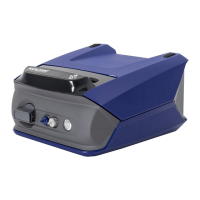
Saved screenshots and data log files can be exported through either of the two USB-A ports located
on the top side of the 4089 Plus Interface Module. To export one or more saved files, insert
a USB flash drive into the Flow Analyzer and navigate to the Manage Data screen. Press
on an individual file row in the Manage Data screen to preview the file on screen prior to exporting
through USB.
Use the check boxes to select one file or multiple files. Press a check box to select, and press the box
again to deselect. Click the check box in the heading to select all files. Press the export button (up
arrow icon) to export selected files.


 To Next Page