Page 61
Below is the instruction for autoclave’s maintenance menu.
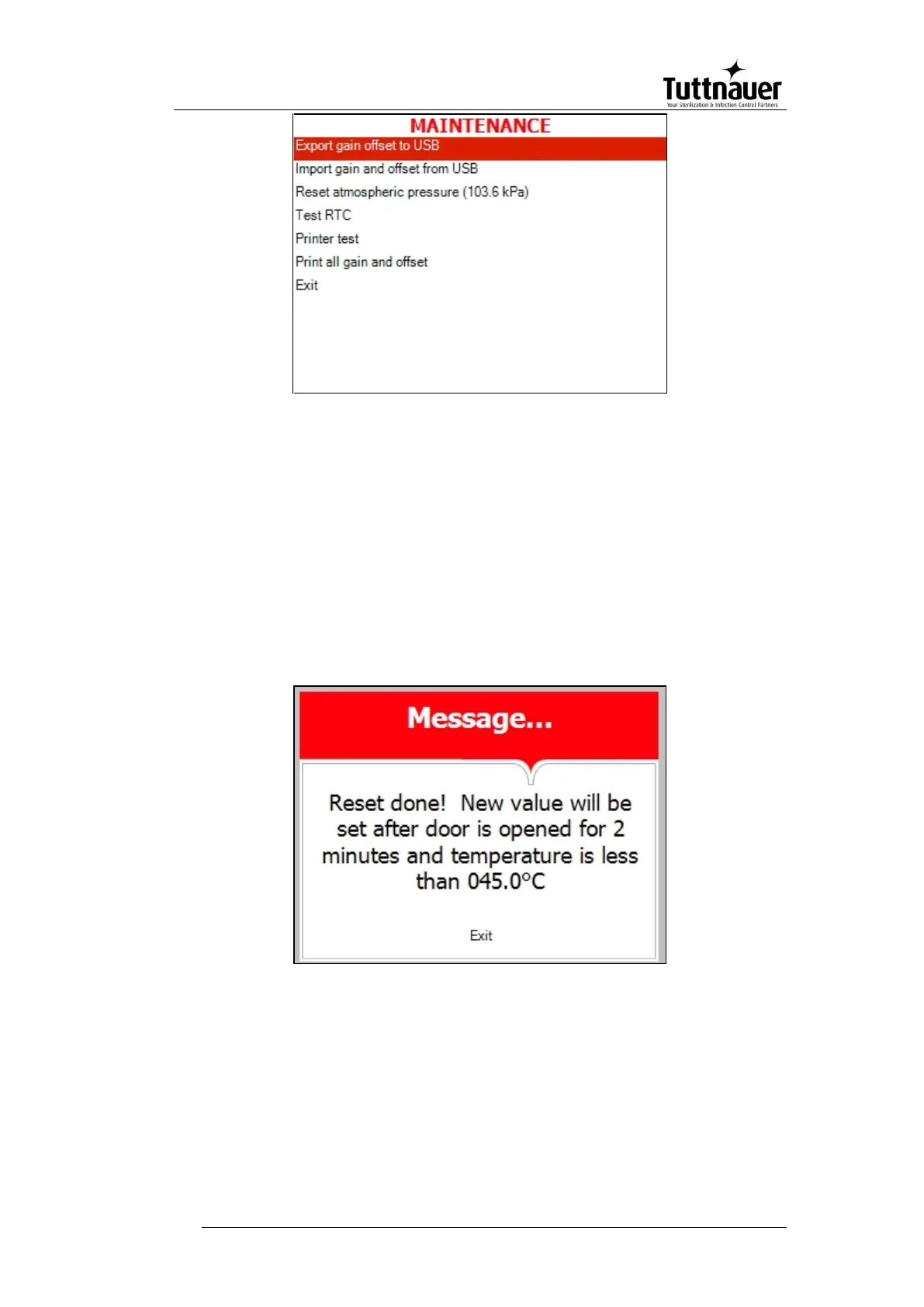
Reset atmospheric pressure
In this menu you can reset the atmospheric pressure value. To do
so:
1. Browse to the following folder:
Maintenance\Reset atmospheric pressure
The following screen will appear:
2. Leave the door open for 2 minutes at least. Ambient temperature
should be less than 45°C.
Note: Please reset the atmospheric pressure when you install the
autoclave for the first time, and each time you relocate or
calibrate the autoclave.







 To Next Page