Page 75
Attention:
Selecting a program is possible only when the door is open.
10.5 Closing and locking the door
In order to close the door, follow the following steps:
When the door is open, the screen below will be displayed:
1. Close the door:
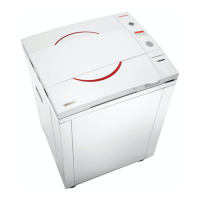
Warning!
In order to close and lock the door push the door to the wall
of the autoclave chamber (for about 10 seconds) until the
"System Ready" message appears as shown below!
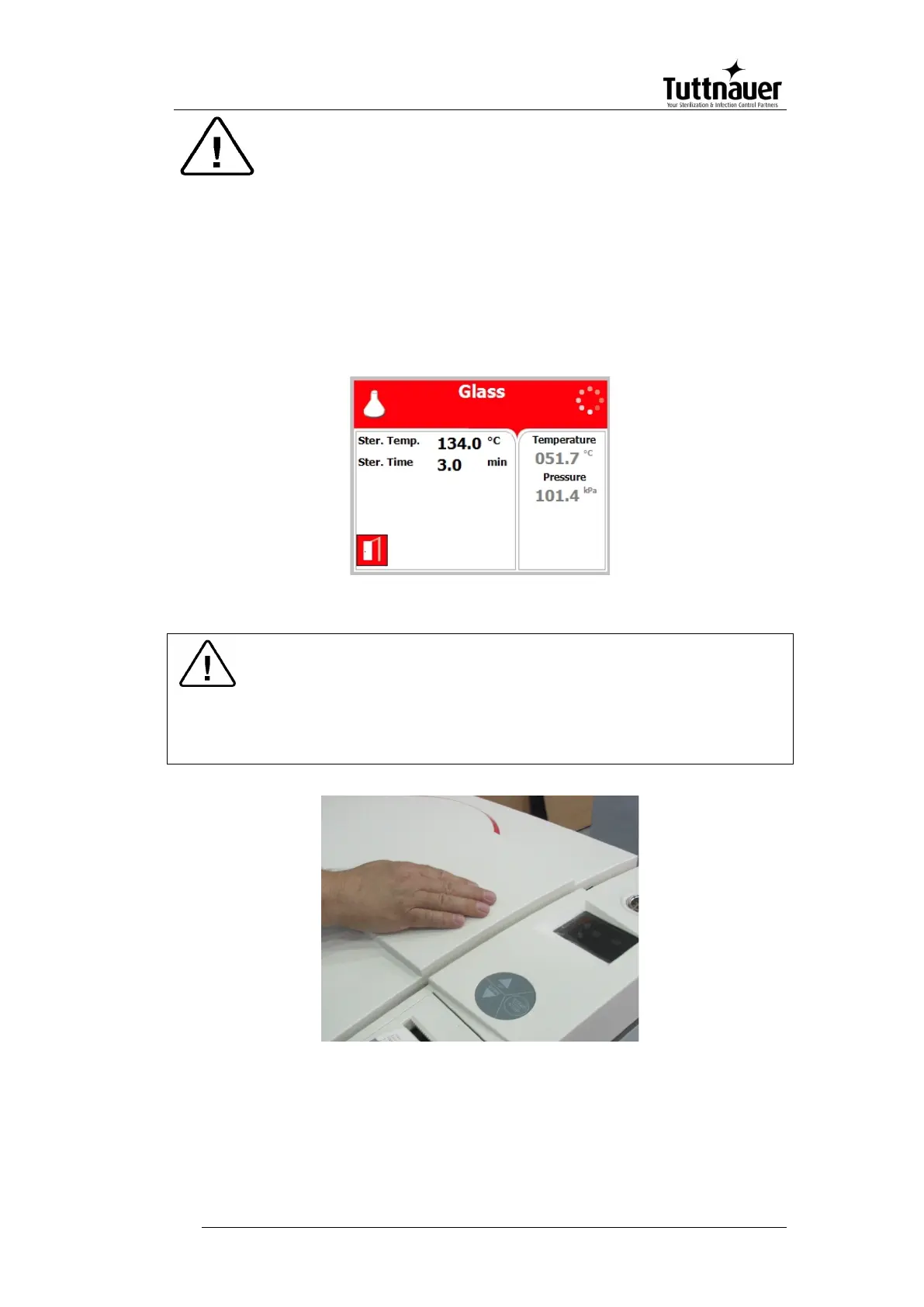
While the door is locking the following screen will be displayed:



 To Next Page