Page 74
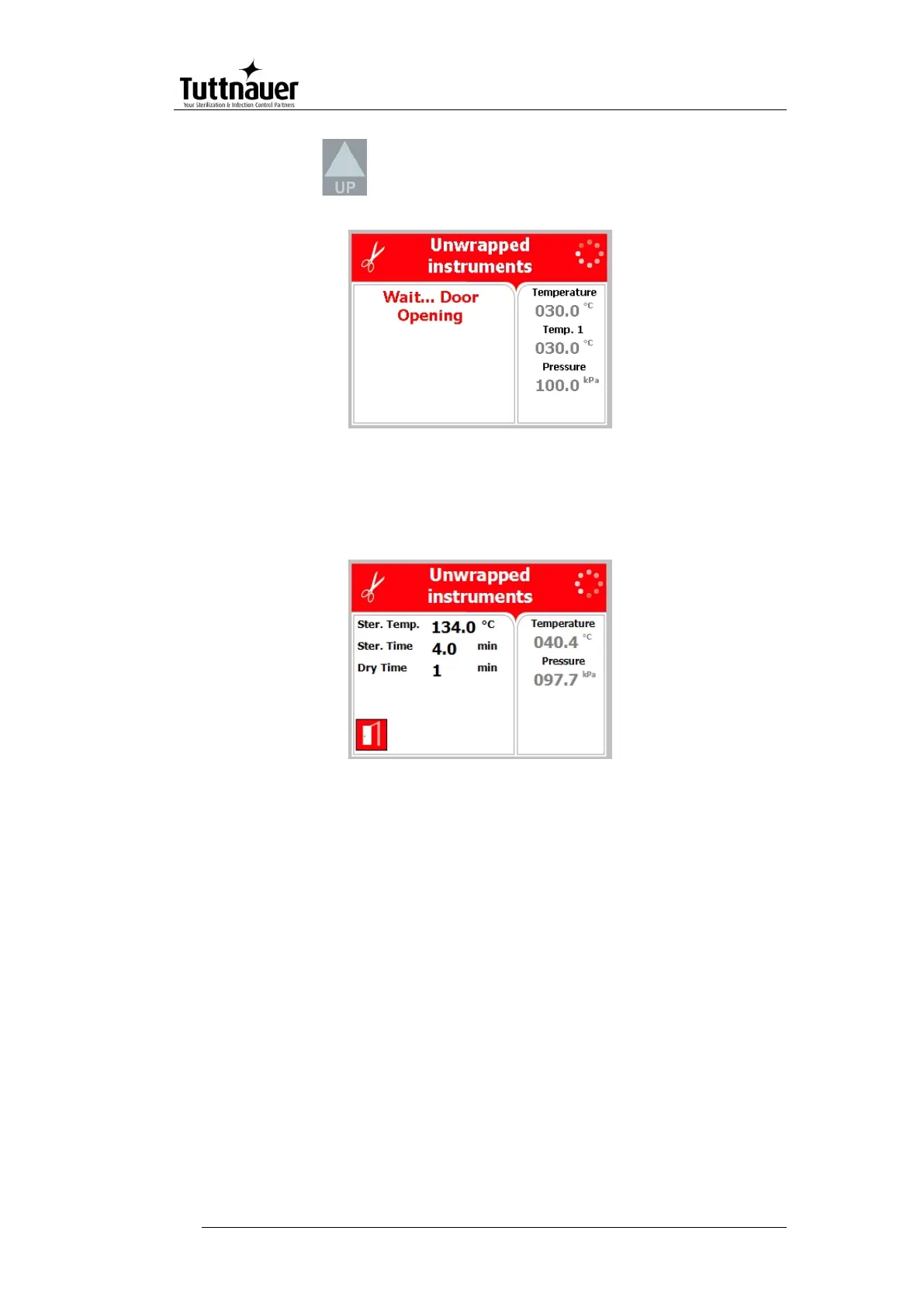
Press the Key in order to open the door
The following screen will be displayed:
If the door has opened successfully, the following screen will be
displayed:
10.3 Loading
Load the autoclave properly according to instructions in sec. 9.
PREPARATION BEFORE STERILIZATION.
10.4 Selecting the program
1. Select the program.
Pressing the UP key selects the next program.
Pressing the DOWN key selects the previous program.
2. Make sure Verify that you chose the required program.
3. If the autoclave is equipped with a printer verify that a paper roll is
inserted in the printer. If not - insert as per para. 5.2.







 To Next Page