Page 73
10.Operating Instructions
10.1 Turning on the autoclave
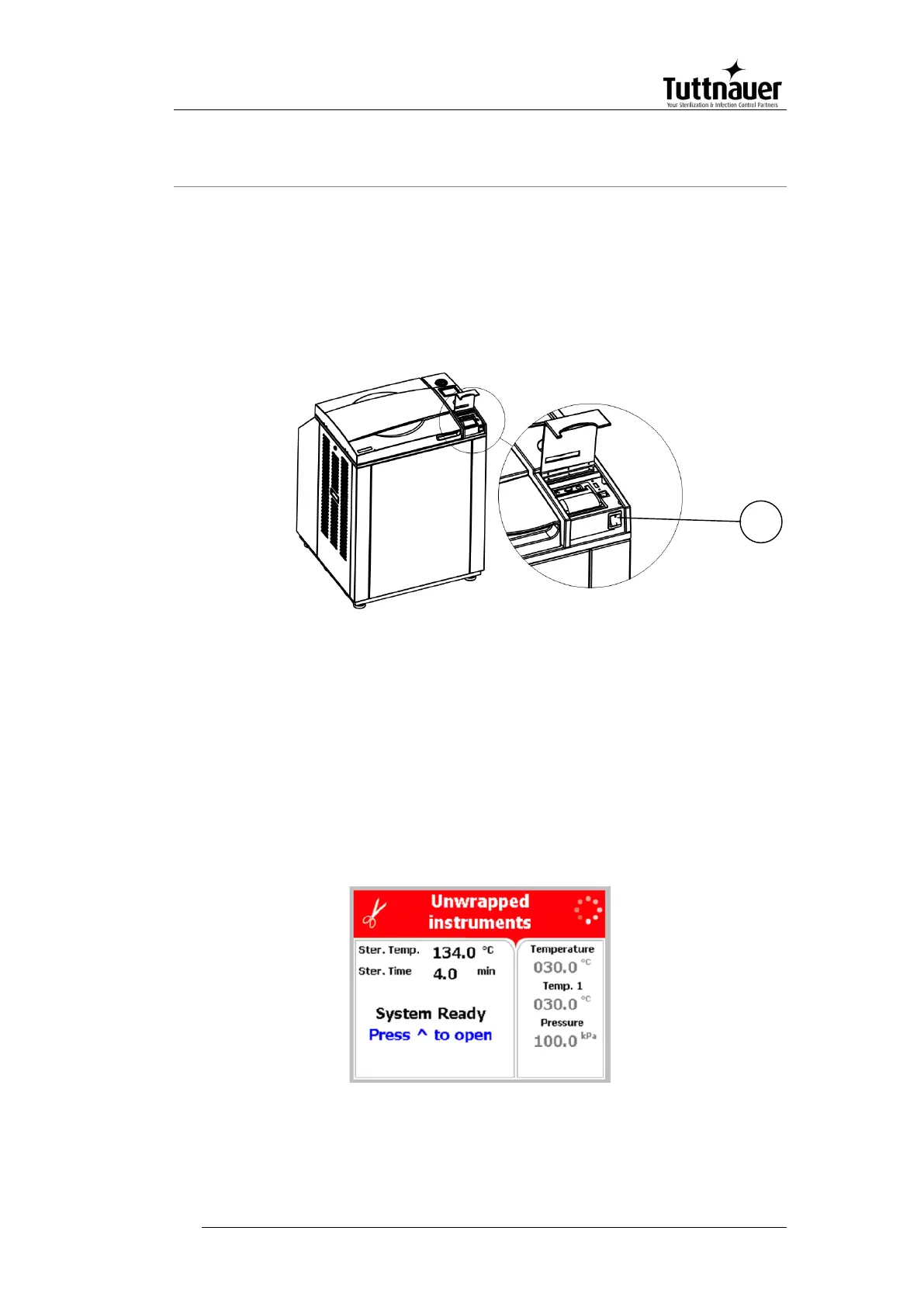
To start the system, turn on the main switch (1), located under
the printer cover.
The door is equipped with an electrical cylinder. This electrical
cylinder performs the automatic opening and closing of the door.
10.2 Opening the door
In order to open the door, follow the next steps:
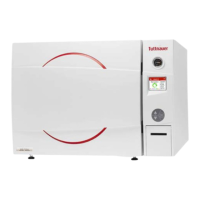
When the door is closed the screen below will be displayed:



 To Next Page