Page 77
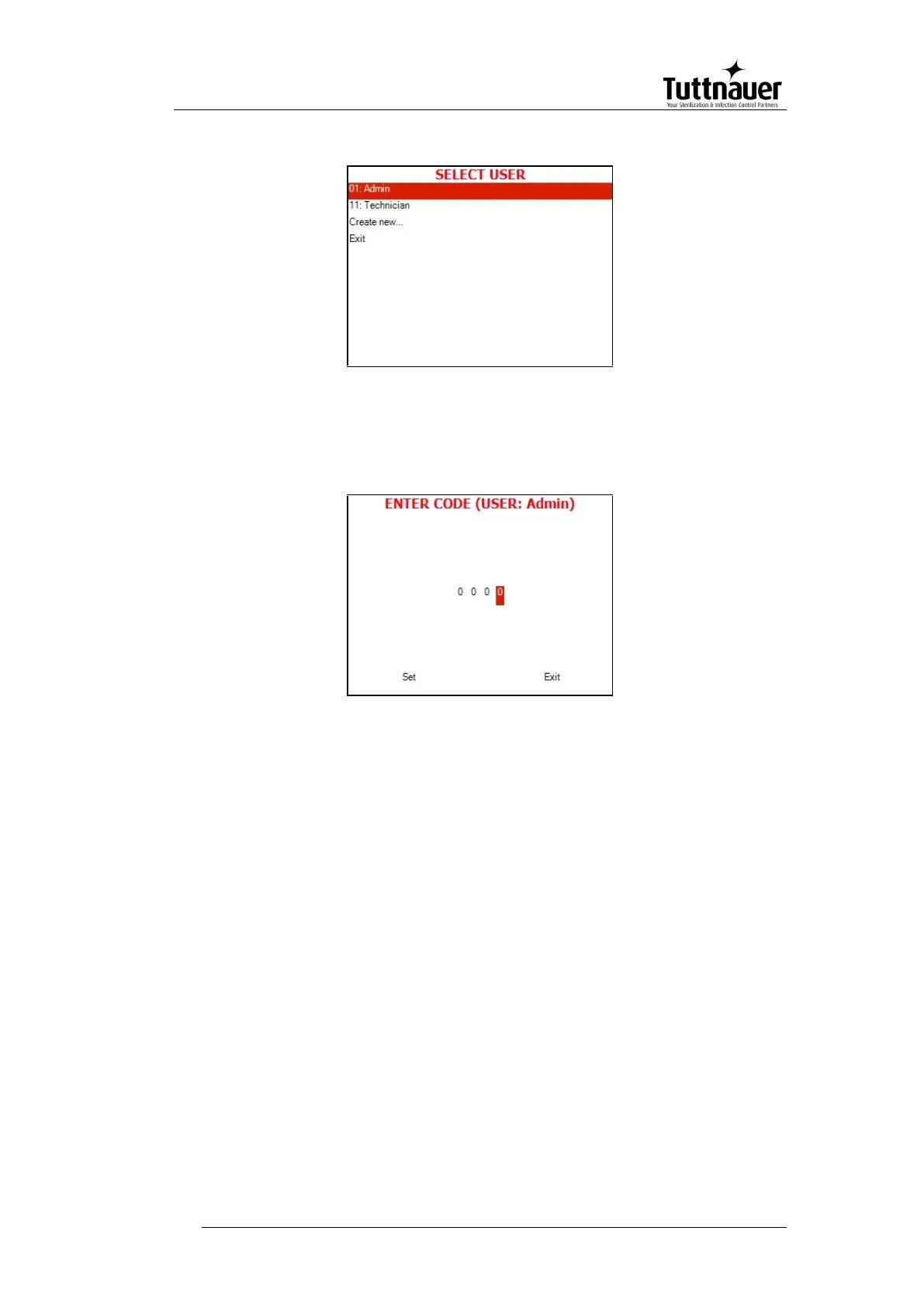
SELECT USER screen will be displayed:
1. Enter the Enter Code screen by moving the cursor to your
username (Use Up and Down keys) and pressing START/STOP
key. The following screen will be displayed:
2. 0000 is displayed on the screen with the cursor blinking on the
right digit.
3. To increase or decrease the digits, press the UP or DOWN keys.
4. Set your password, then move the cursor to Set by pressing the
START/STOP key.
5. When Set is blinking, press the UP or DOWN keys to return to
the program screen.
The autoclave starts performing sequence of operations. The
actual measured values of pressure and temperature are
displayed continuously and printed every minute at STE stage,
and every 5 minutes at the other stages. The phase in progress is
displayed at the right side of the upper line as WATER, HEAT,
STER., EXH., and DRY.
If the operator presses the START key and the door is not
completely closed, the process will not start and the DOOR
indicator will flash twice then turn off and the buzzer will sound four
times.







 To Next Page